You want to do your own artwork! That’s great! … Learn to do it right.
You don’t need a four-year degree in design, but you do need some common sense. For example: business cards are 3.5×2 inches: you can’t put 19 bullet points, a logo, a motto, a QR code, and your name and contact info and photograph in that space. (ChatGPT will tell you you can; and yes, such things are submitted to us for print.)
Print-ready artwork must conform to certain specifications. If you follow a proper template, your artwork will conform. If you don’t, repairs will cost time & money.
Creative Copy will provide a free custom template for your order for many popular graphics apps and platforms, including Canva, Illustrator, Indesign, Photoshop, MS Word, and MS Publisher. Just email us your project description and we will make sure you set off on the right foot.
Some general tips for design:
- Know your tools. Canva, despite its quirks, will generate correct artwork, if you know what to do and how to do it; otherwise, Canva will generate incorrect artwork, and your design will fail print-readiness. Whatever tool(s) you use, learn to use them well. For example, if you cannot follow a template in your design app, then you need to learn your tool better. There are free tutorials for every design app all over Youtube.
- Work at the correct size. If you want a 5×7 invitation, don’t start with a default 8.5×11 from a design app. Our templates will ensure your design is the correct size.
- Font size should rarely if ever fall below 8pt.
- Templates are crucial, especially for bleed and safe zone (margin).
- Margins margins margins. We can’t says it more concisely. This applies to borders, also: keep borders inside the safe zone.
- Contrast gives text clarity. For light backgrounds, use dark text, and vice versa. Avoid backgrounds that are both dark and light.
Note — Please always provide artwork “1-up” or a single copy of the artwork. Please do not impose multiple copies per sheet. At press time, we will impose the artwork on the most practical sheet size.
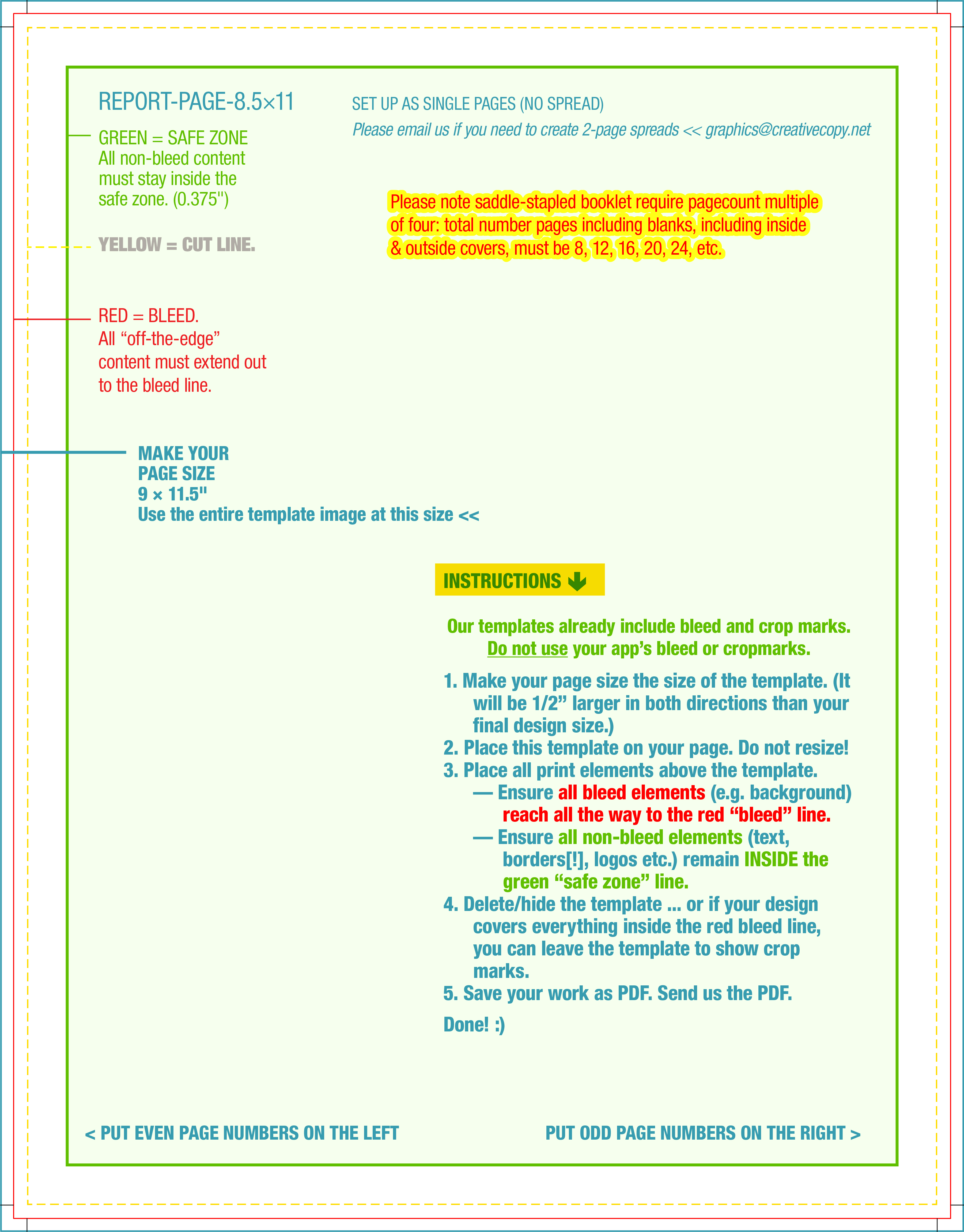
Note — Where’s the “book” template!? Please create books as single pages. If you have a 24-page book, we prefer a single PDF with 24 pages. Avoid trying to create 2-sided print sheets that cut & fold into a book; we will take care of that on our side.
Note — Print templates are not universal. Templates from sources other than Creative Copy might not conform to our requirements. Please always use a template from the printer who is producing your order!
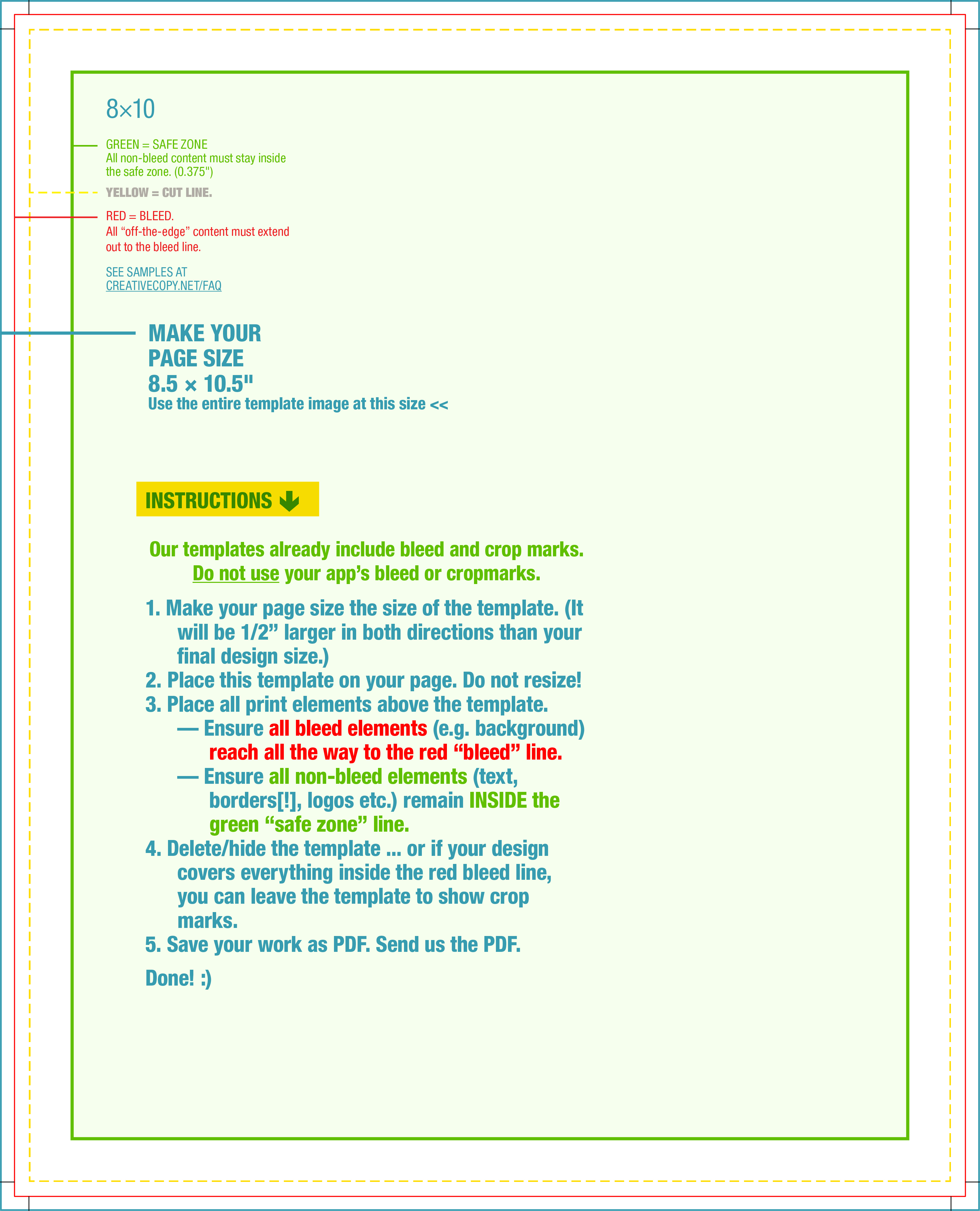
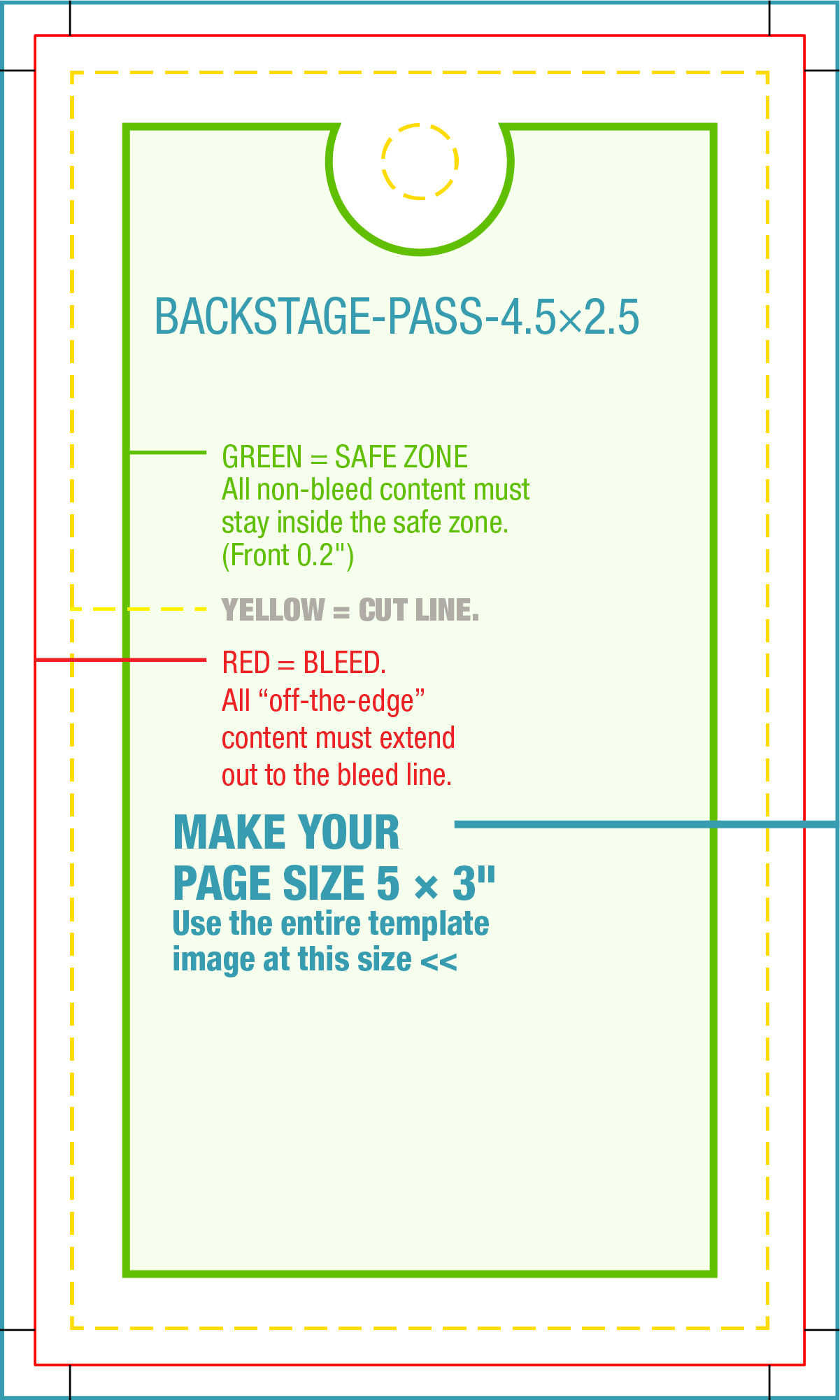
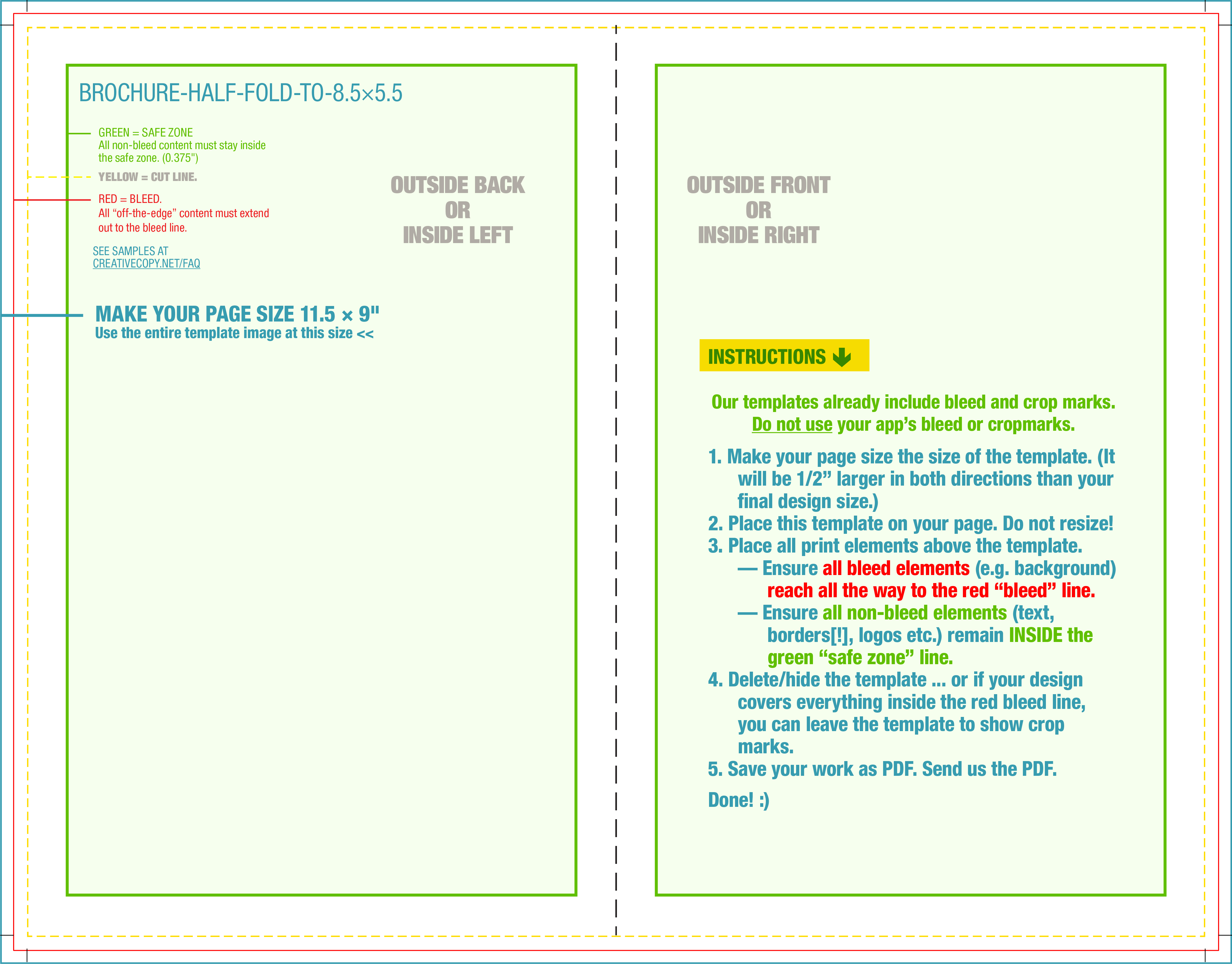
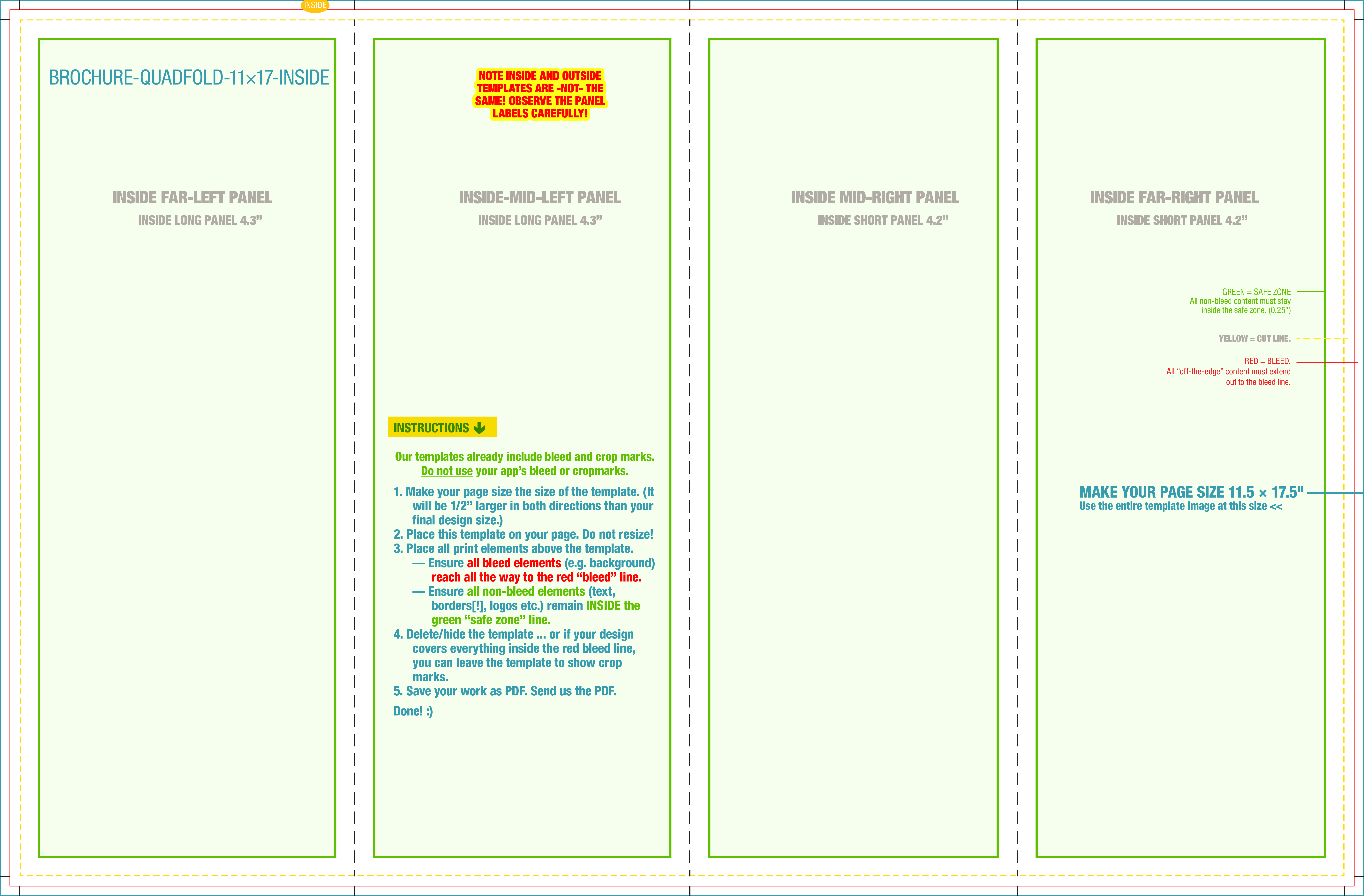
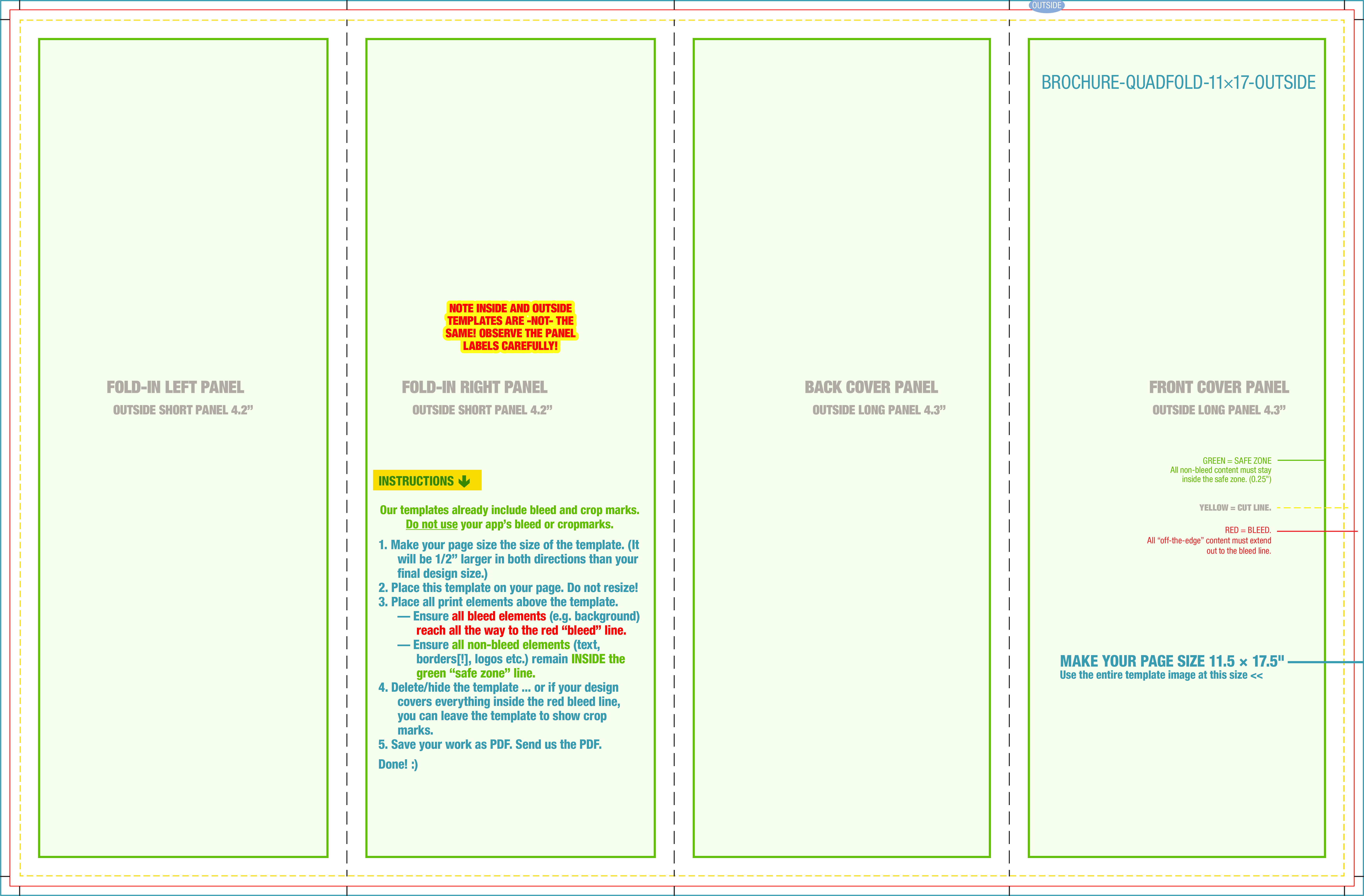
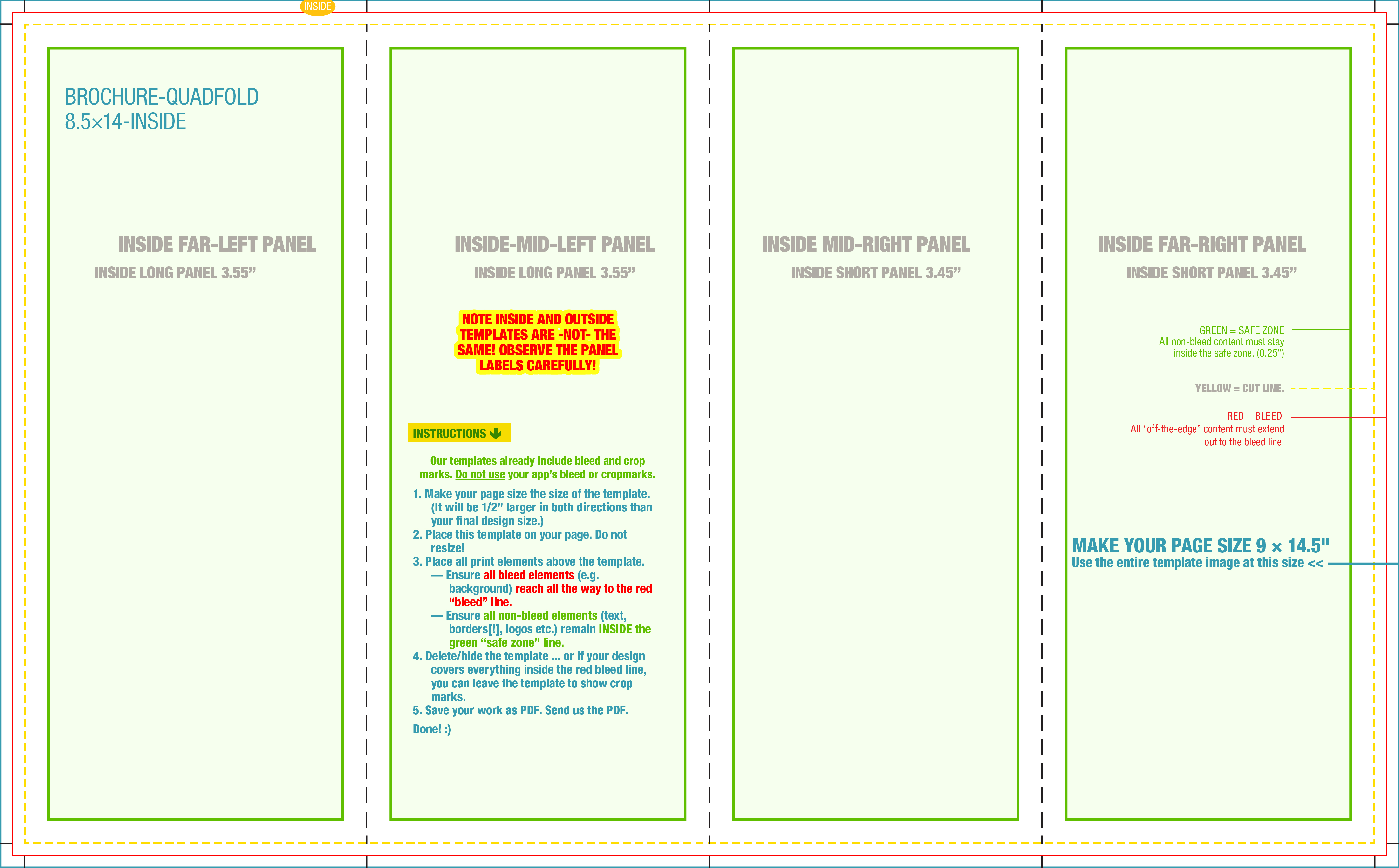
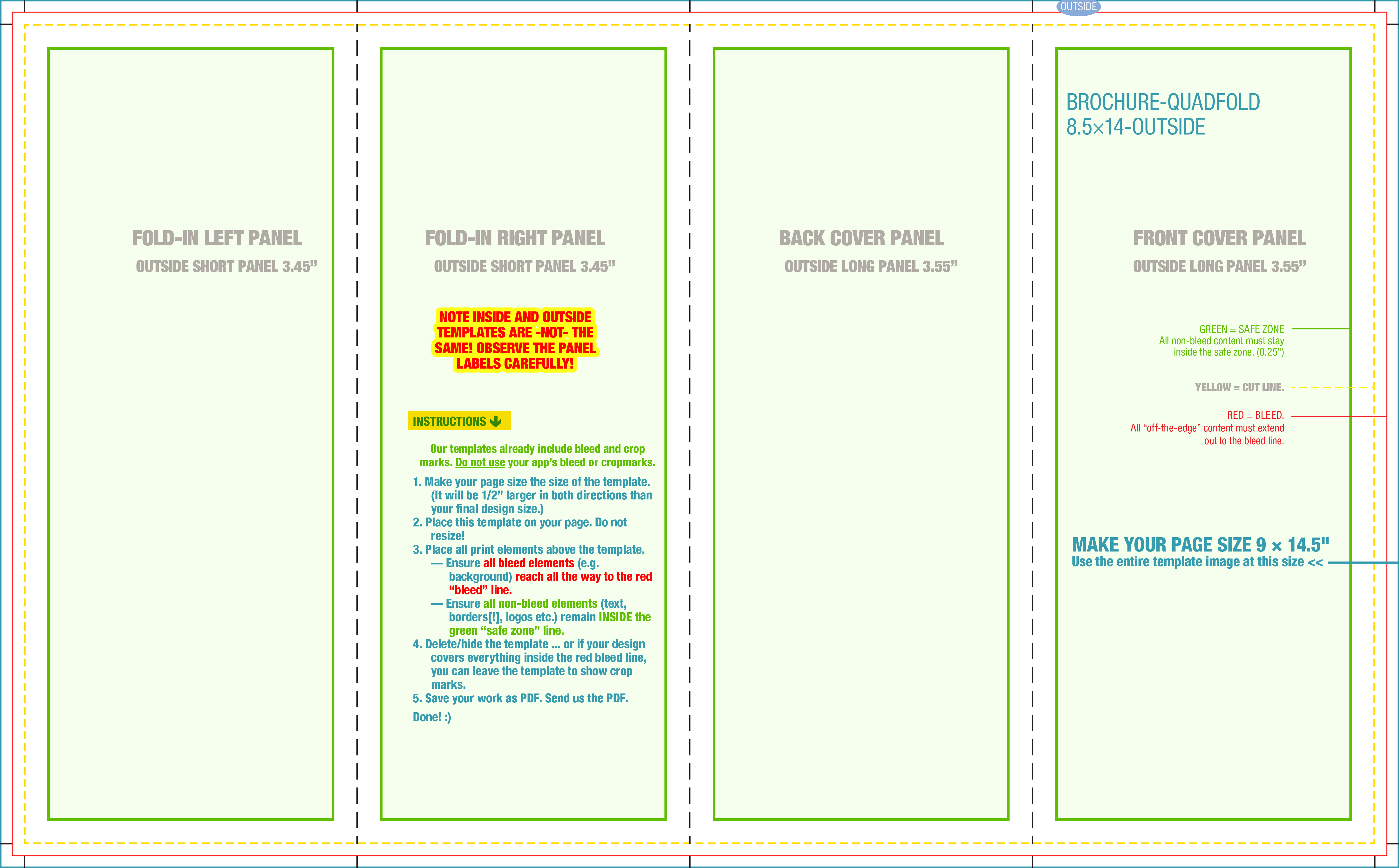
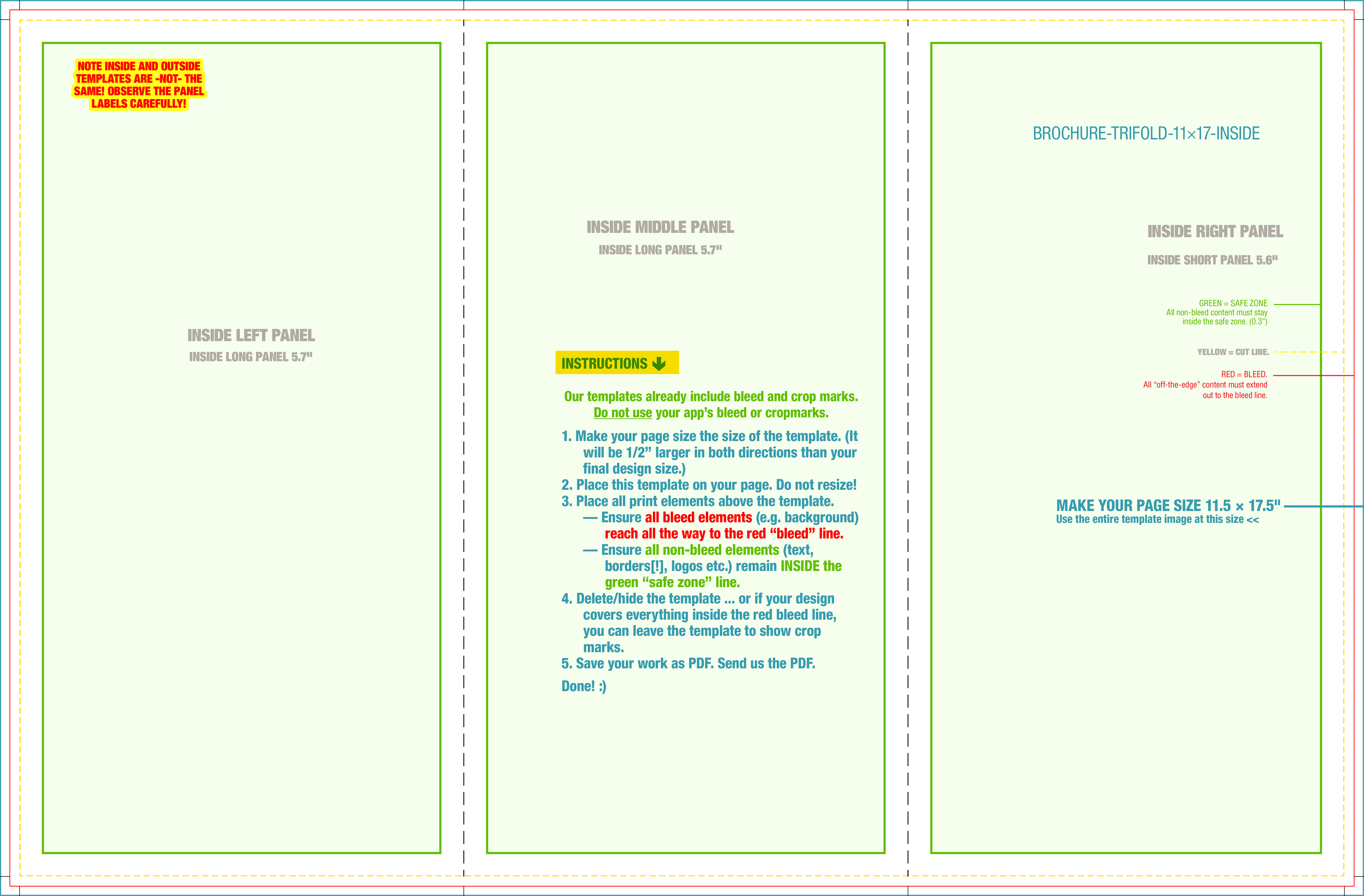
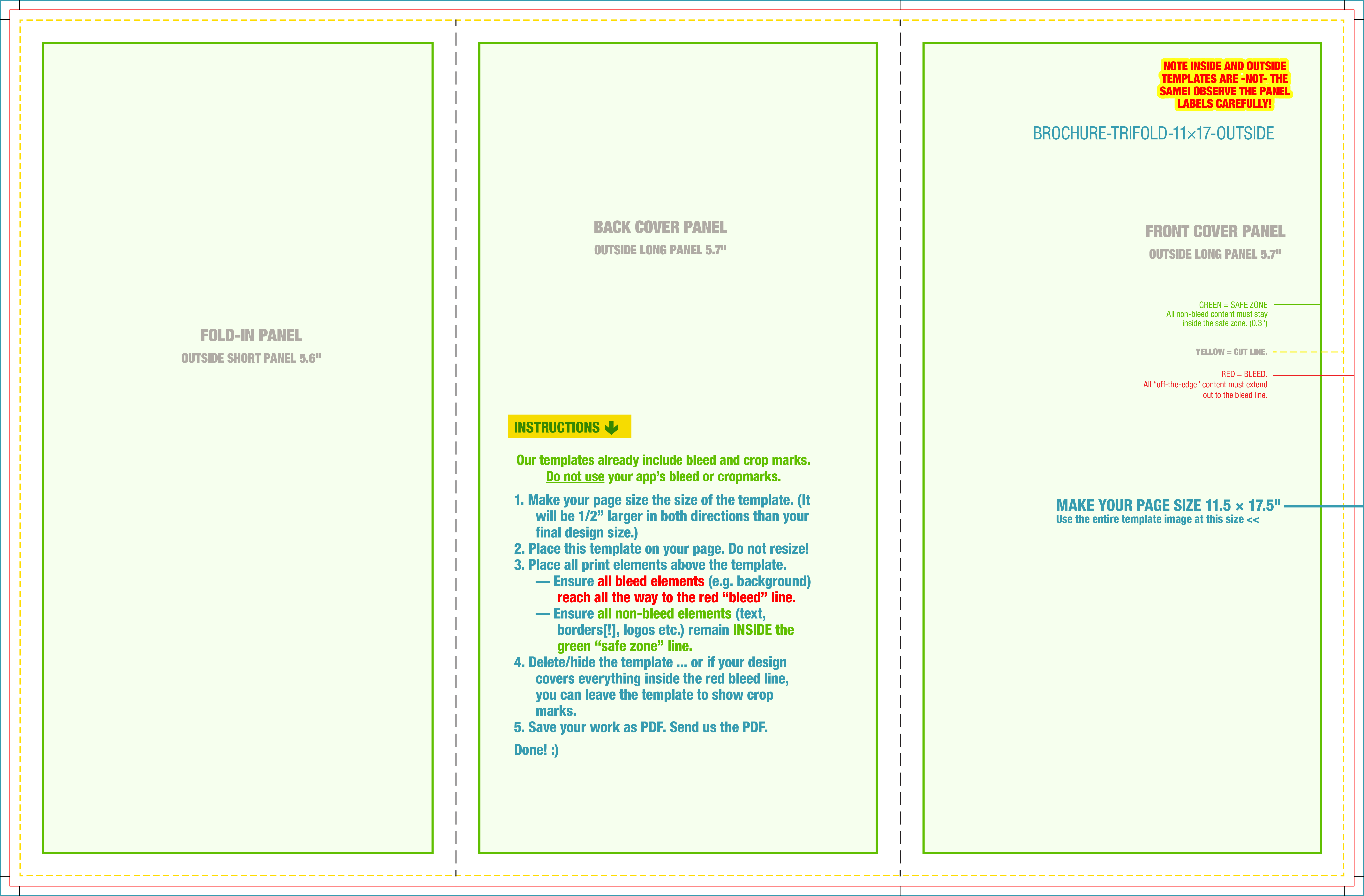
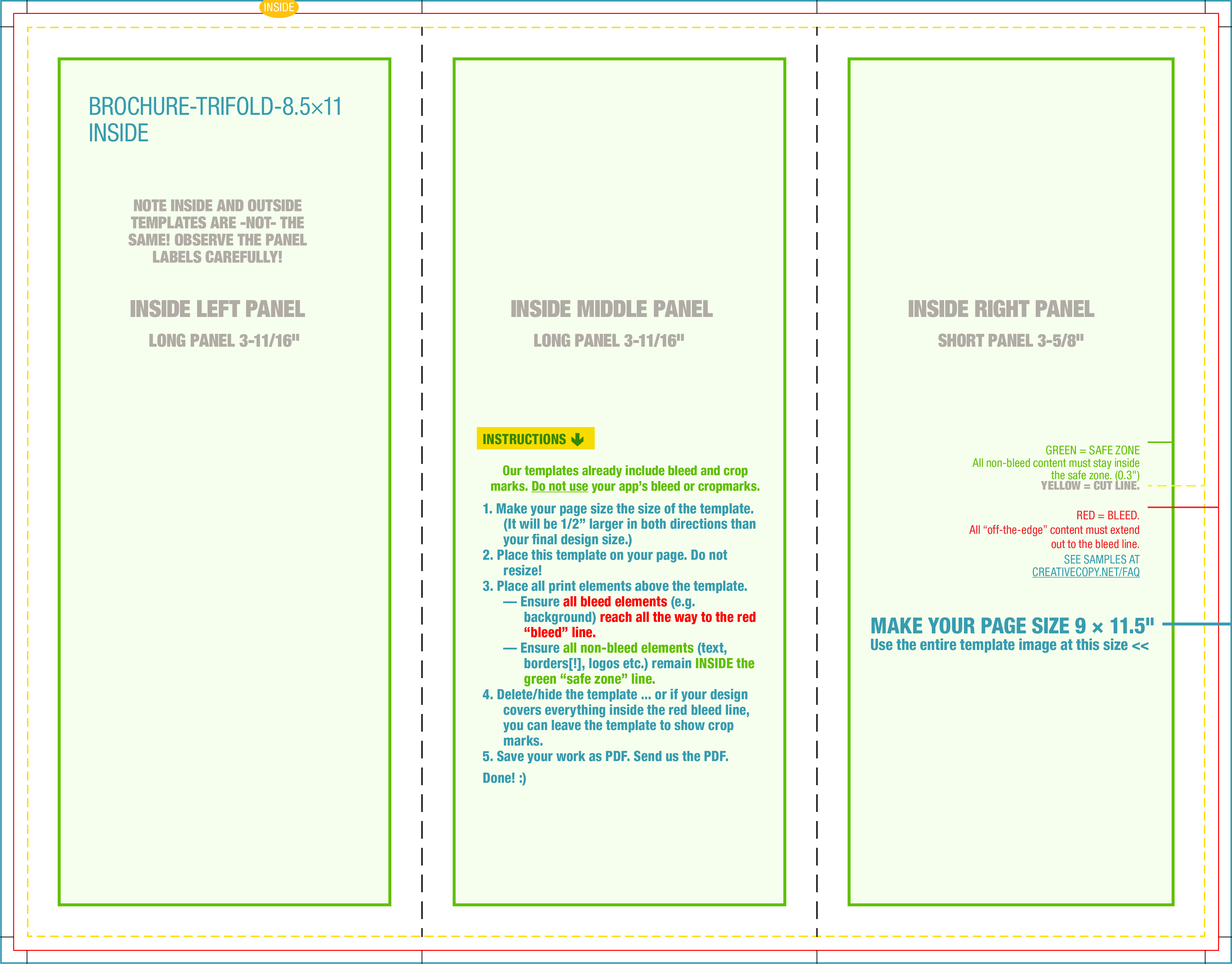
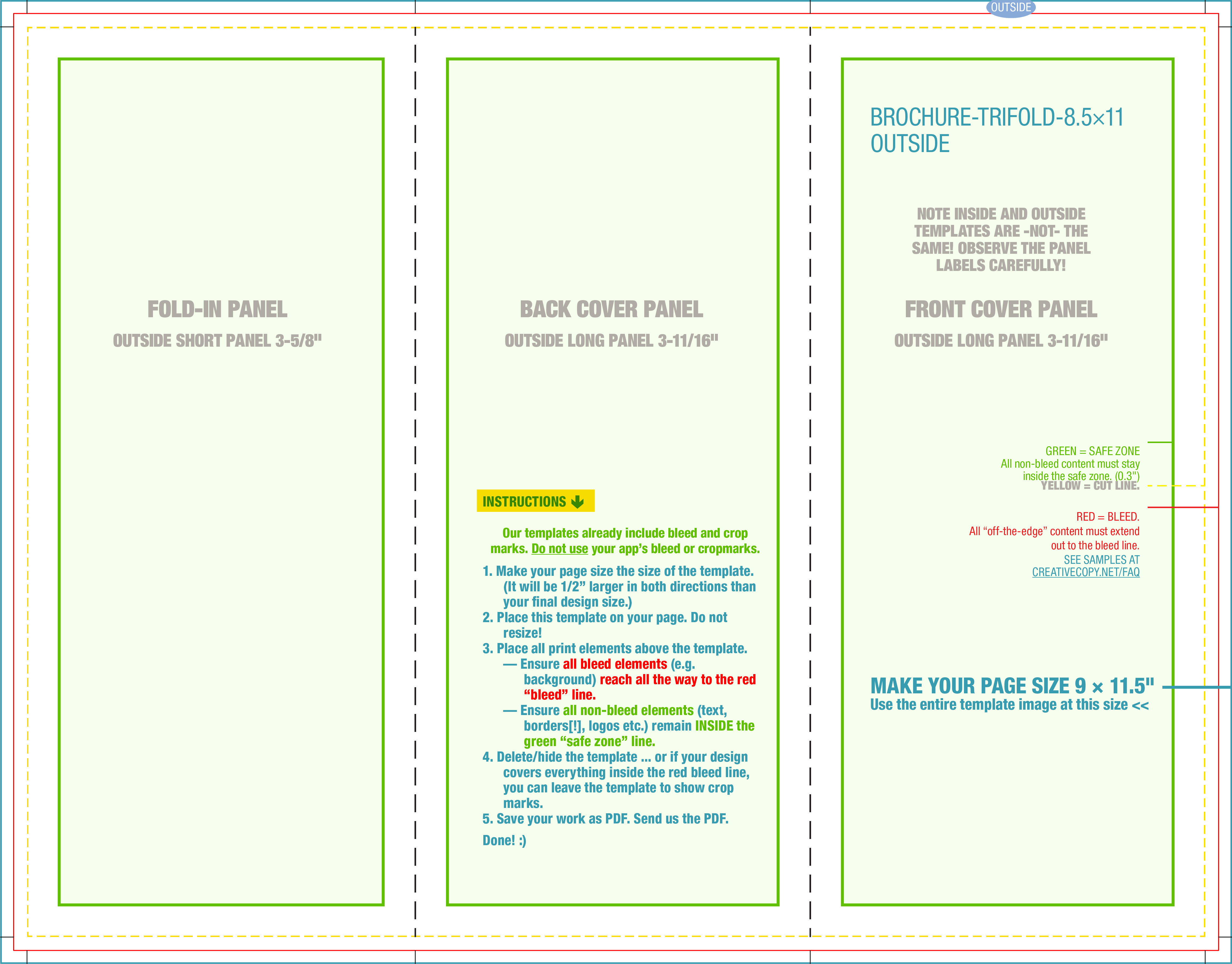
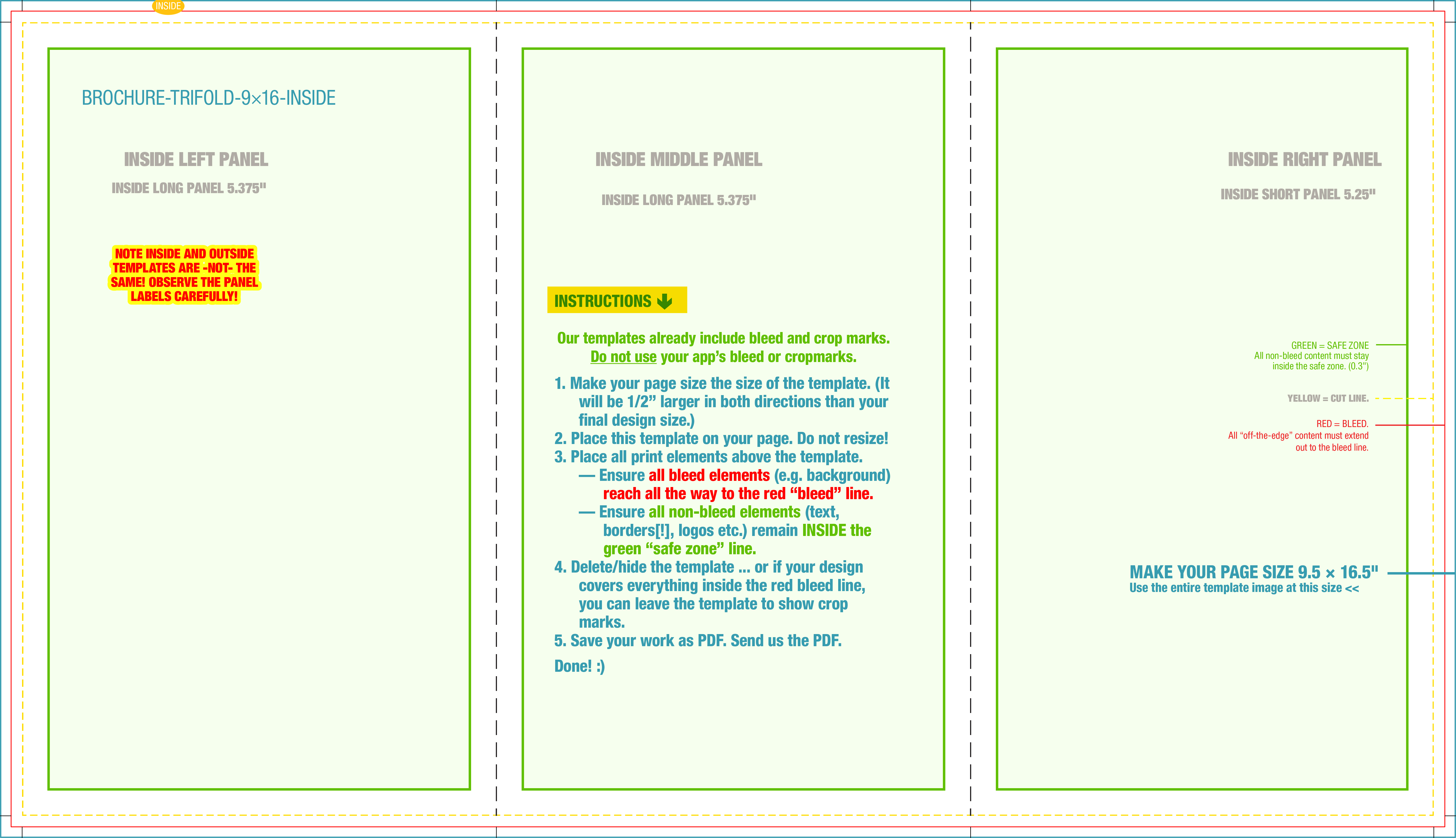
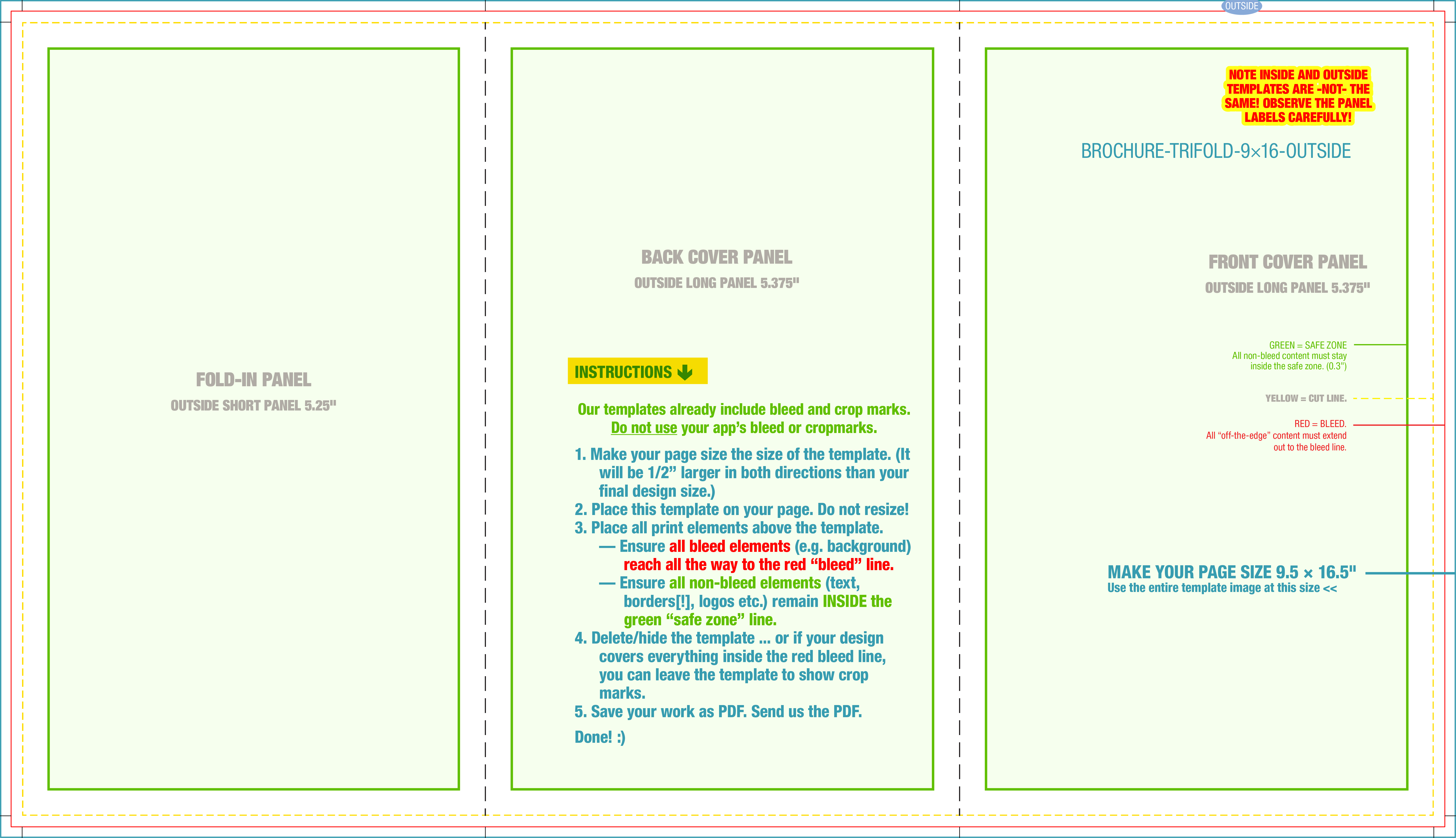
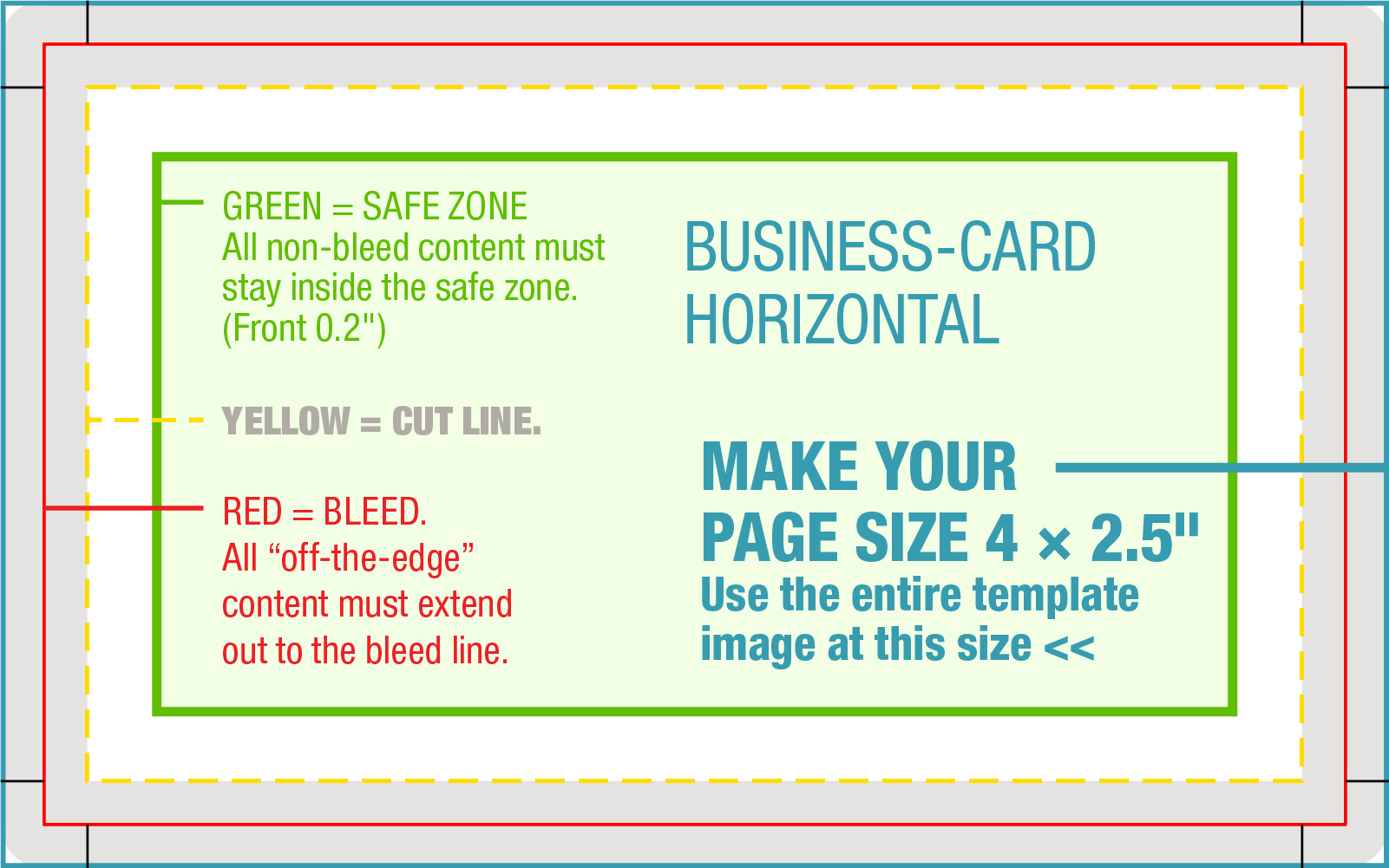
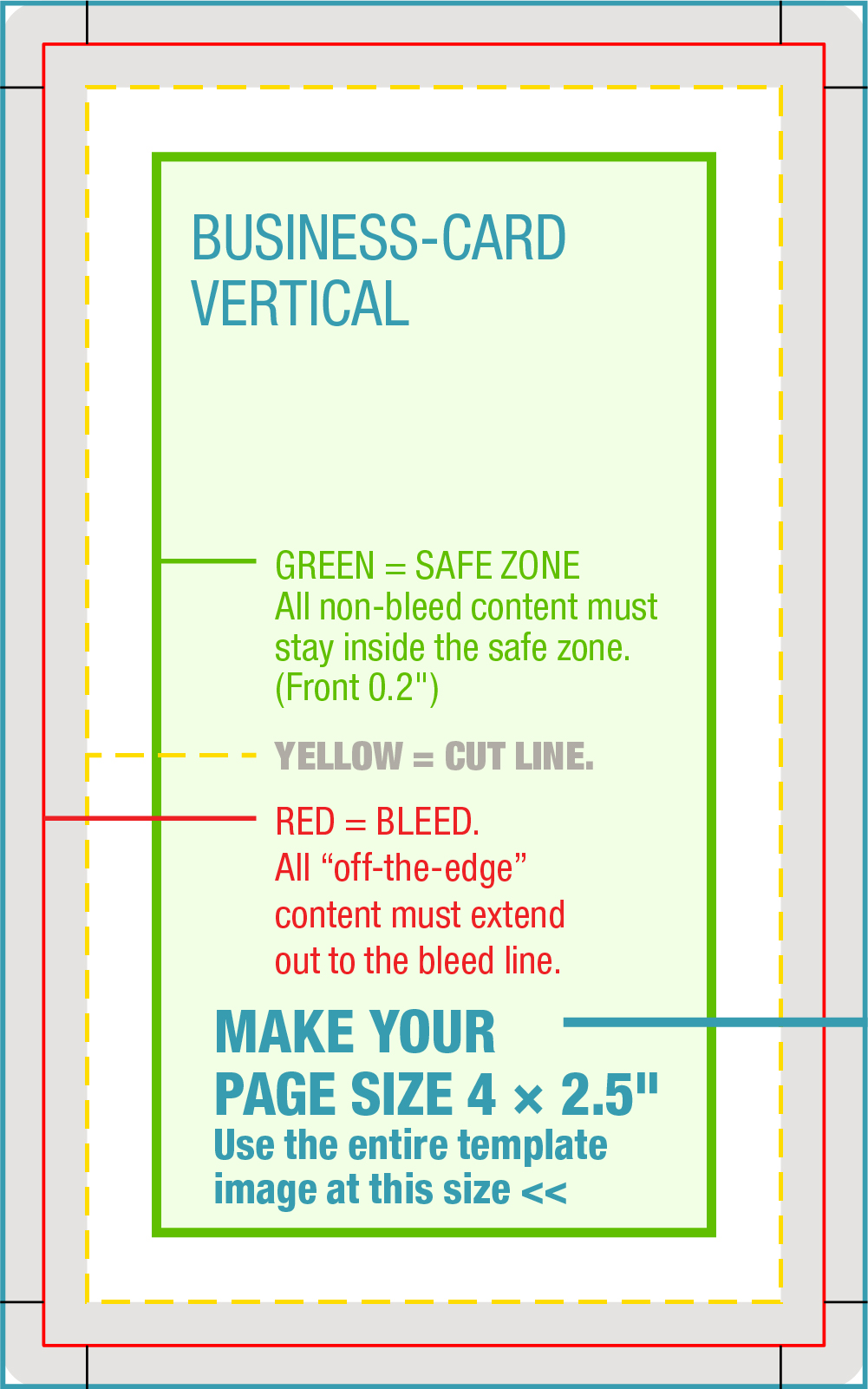
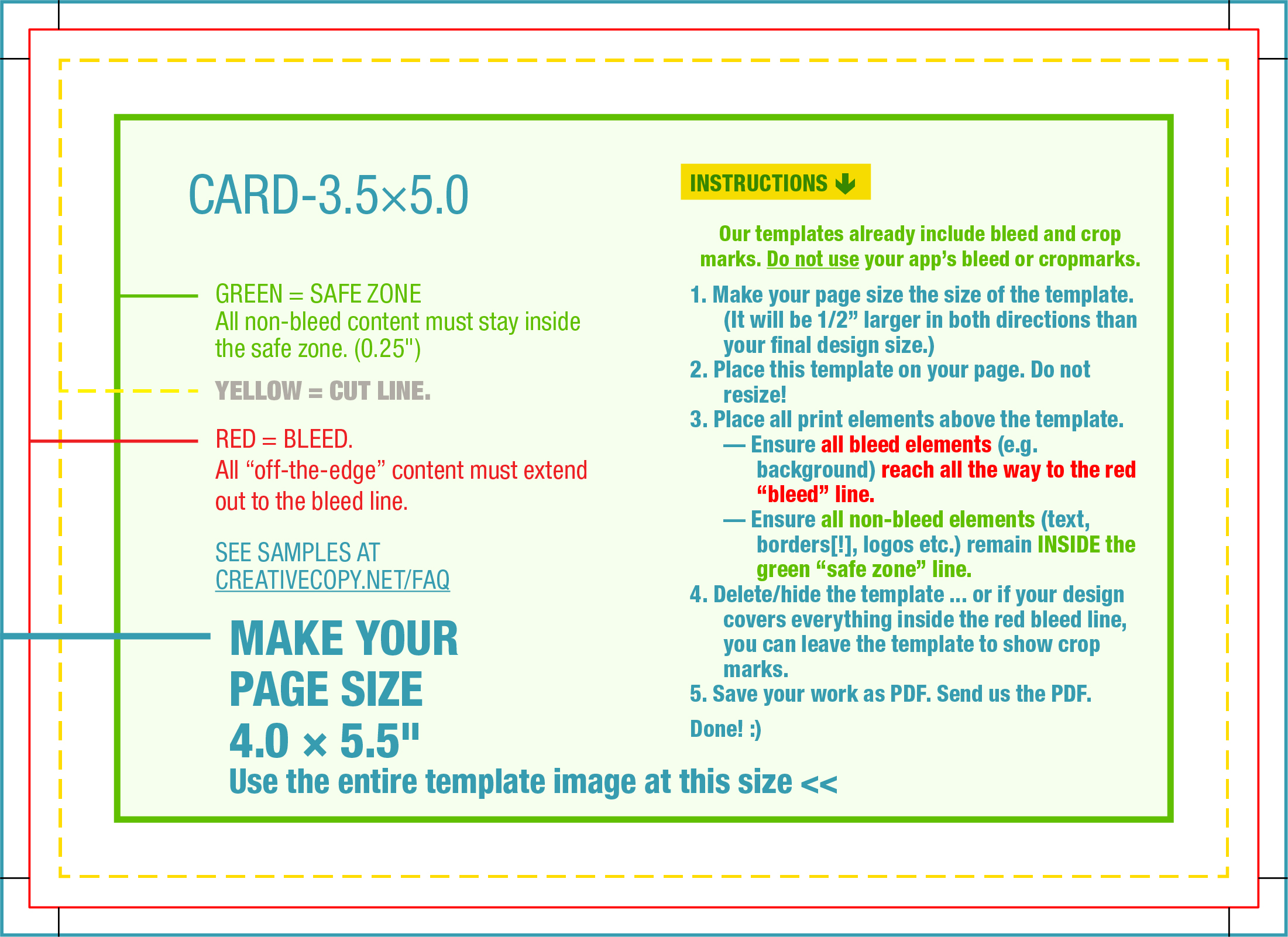
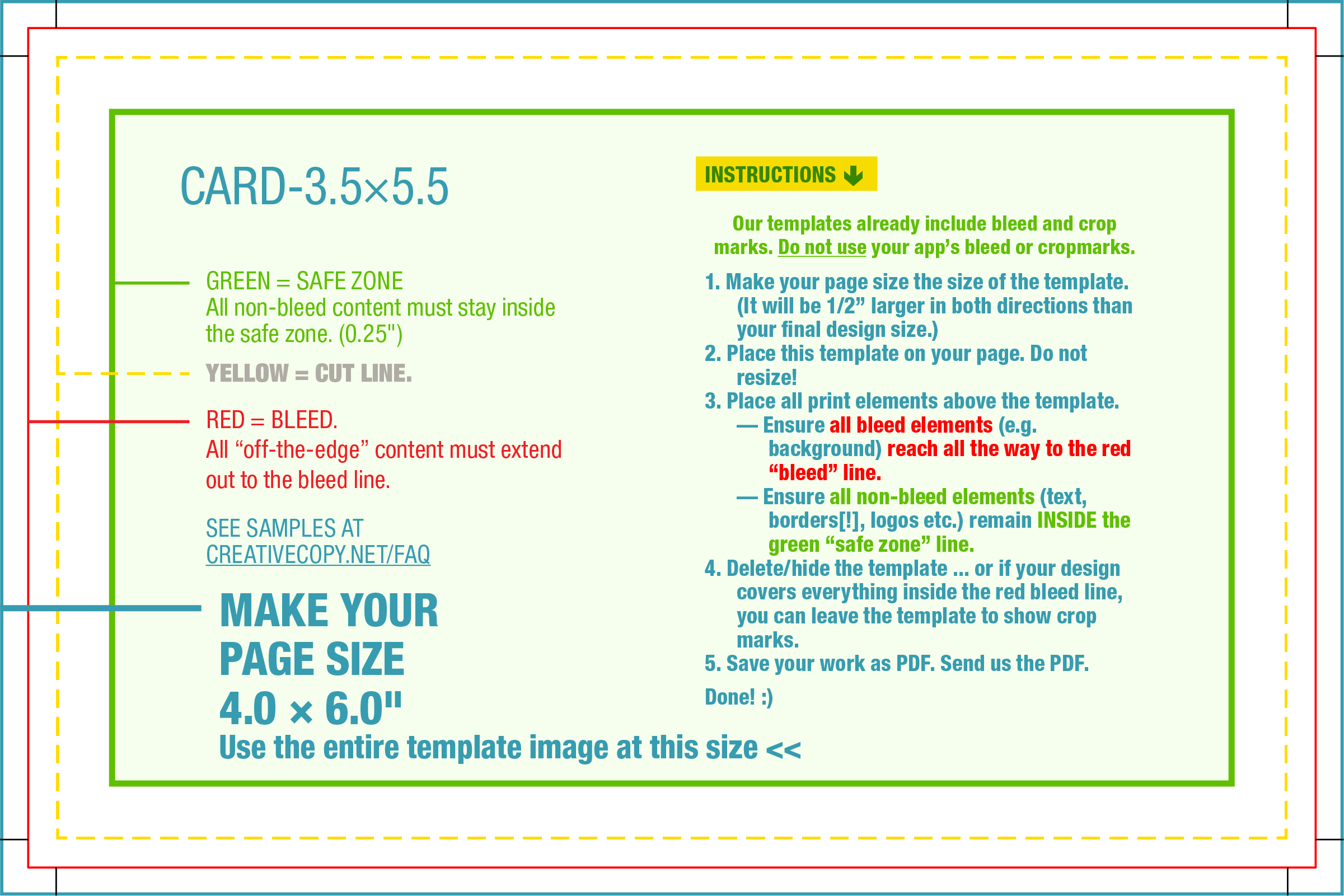
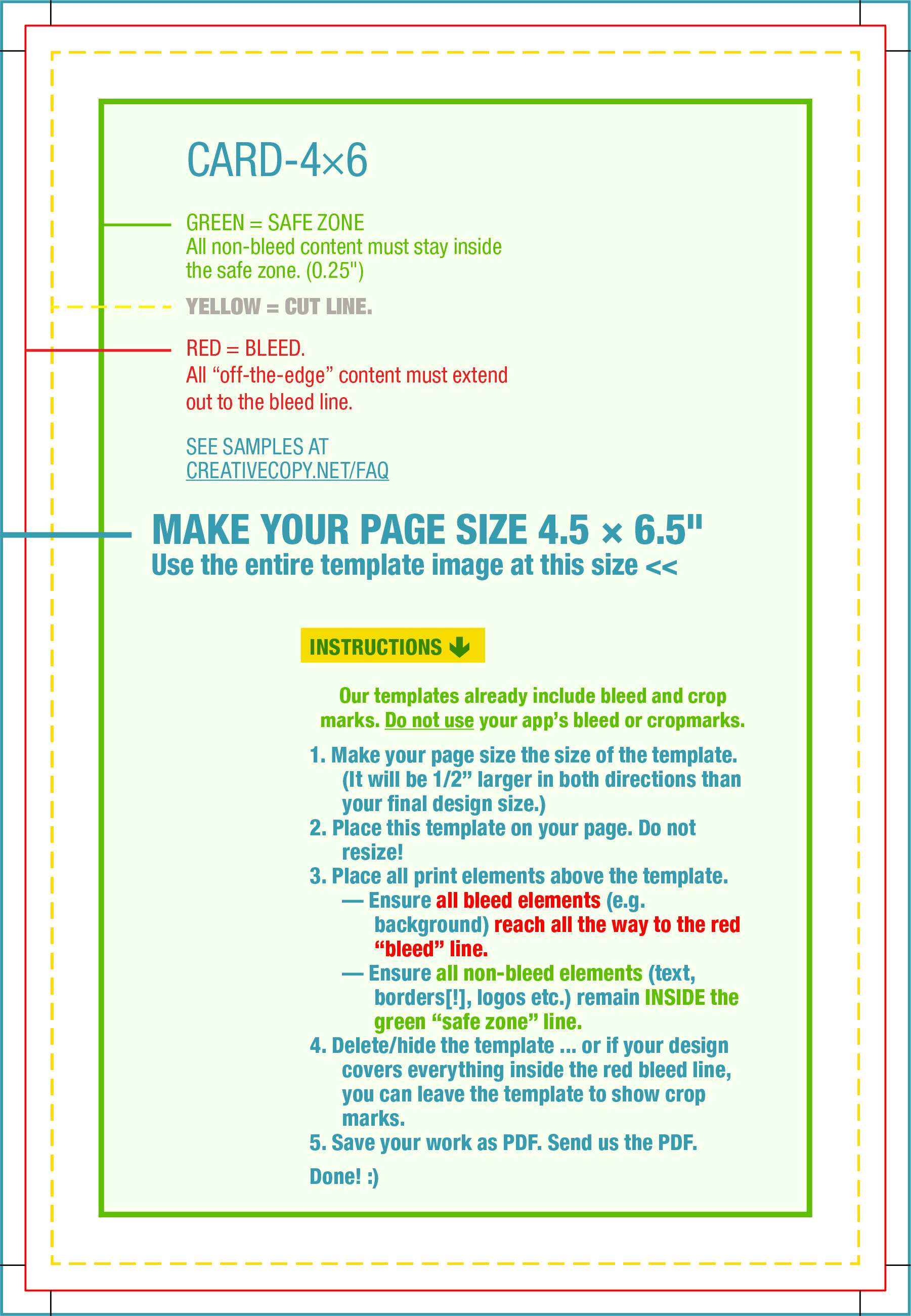
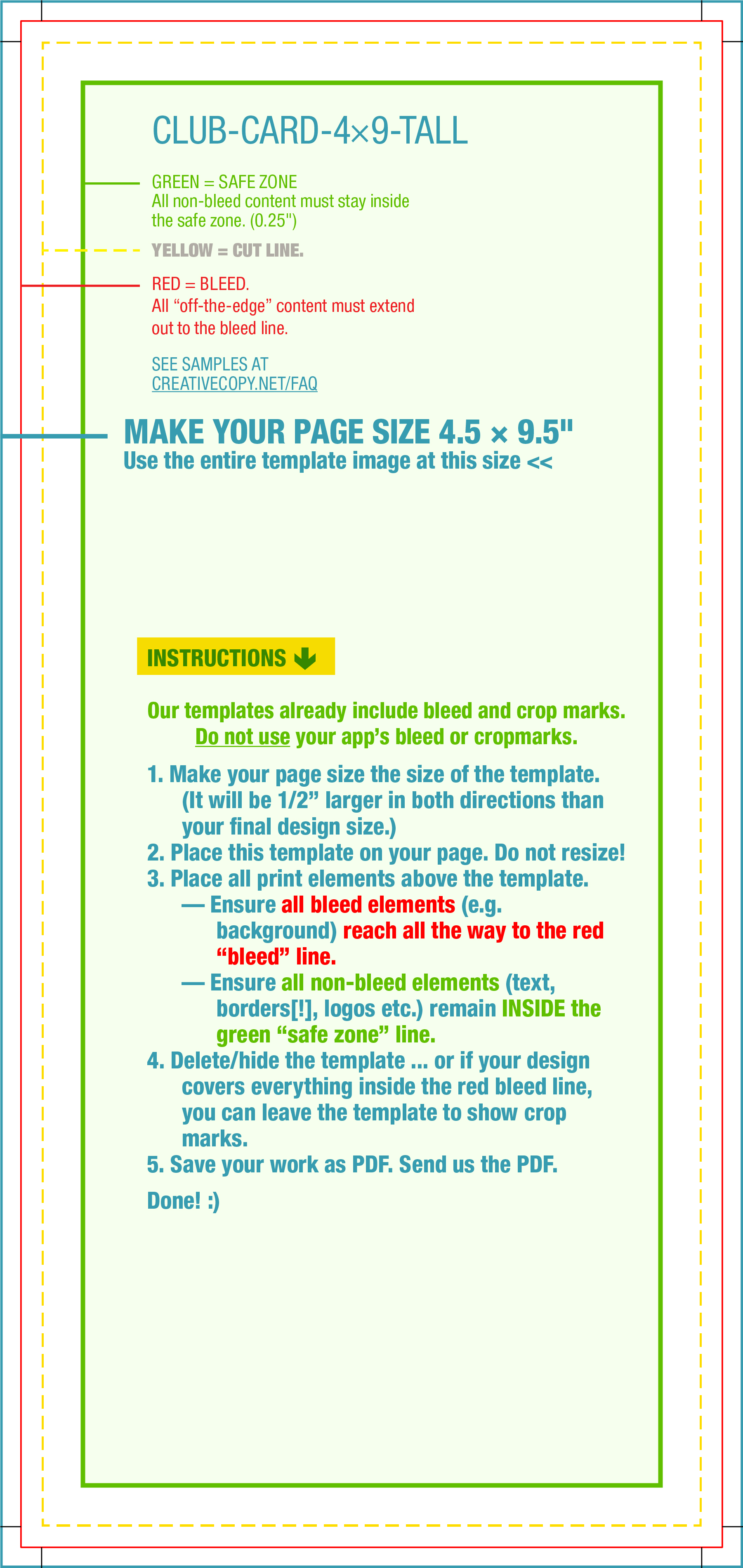
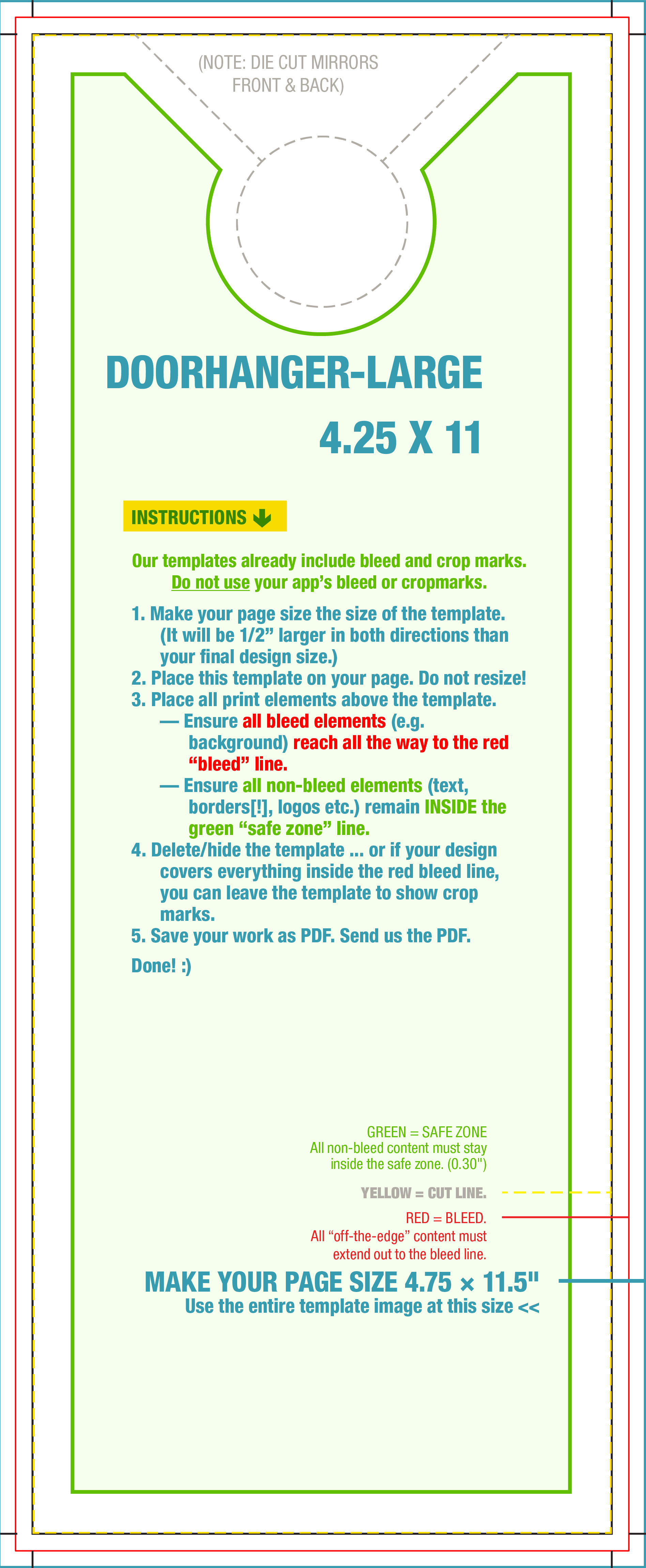
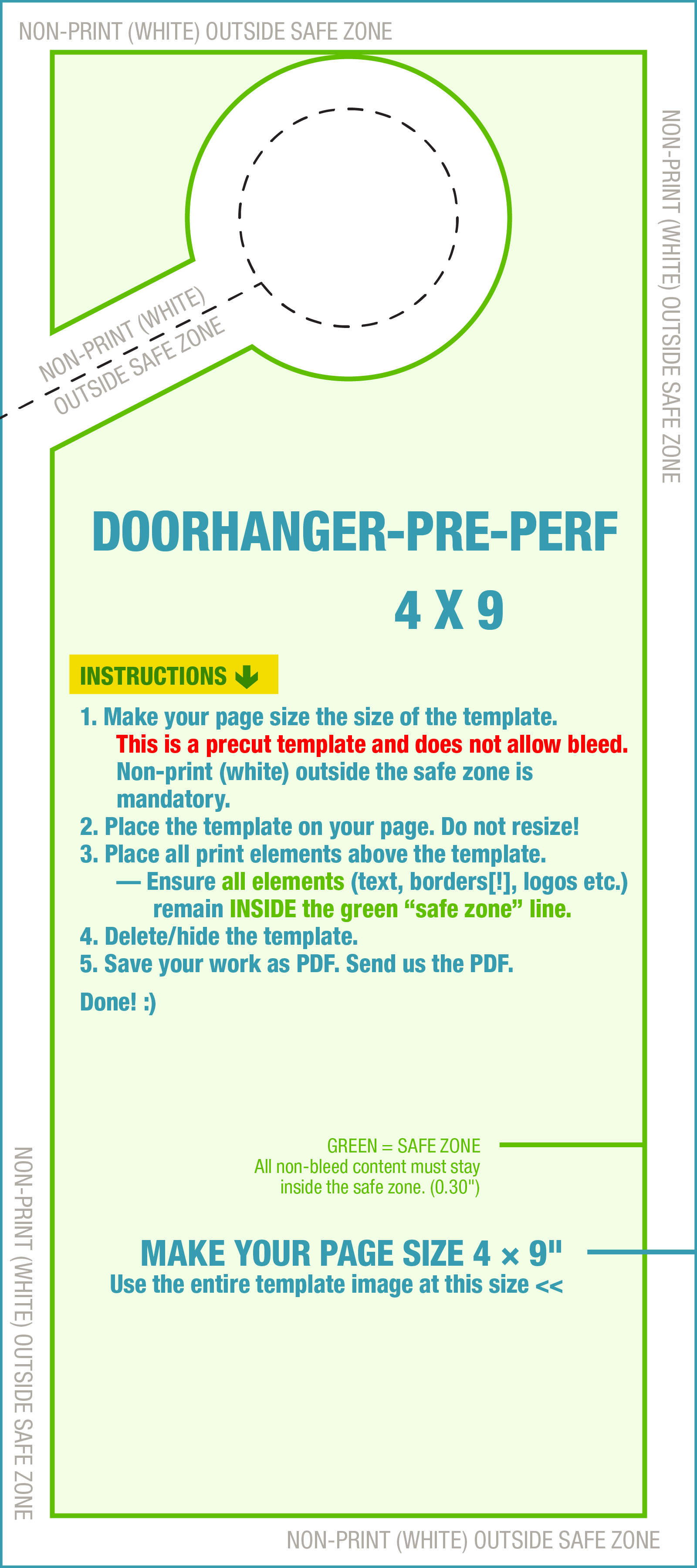
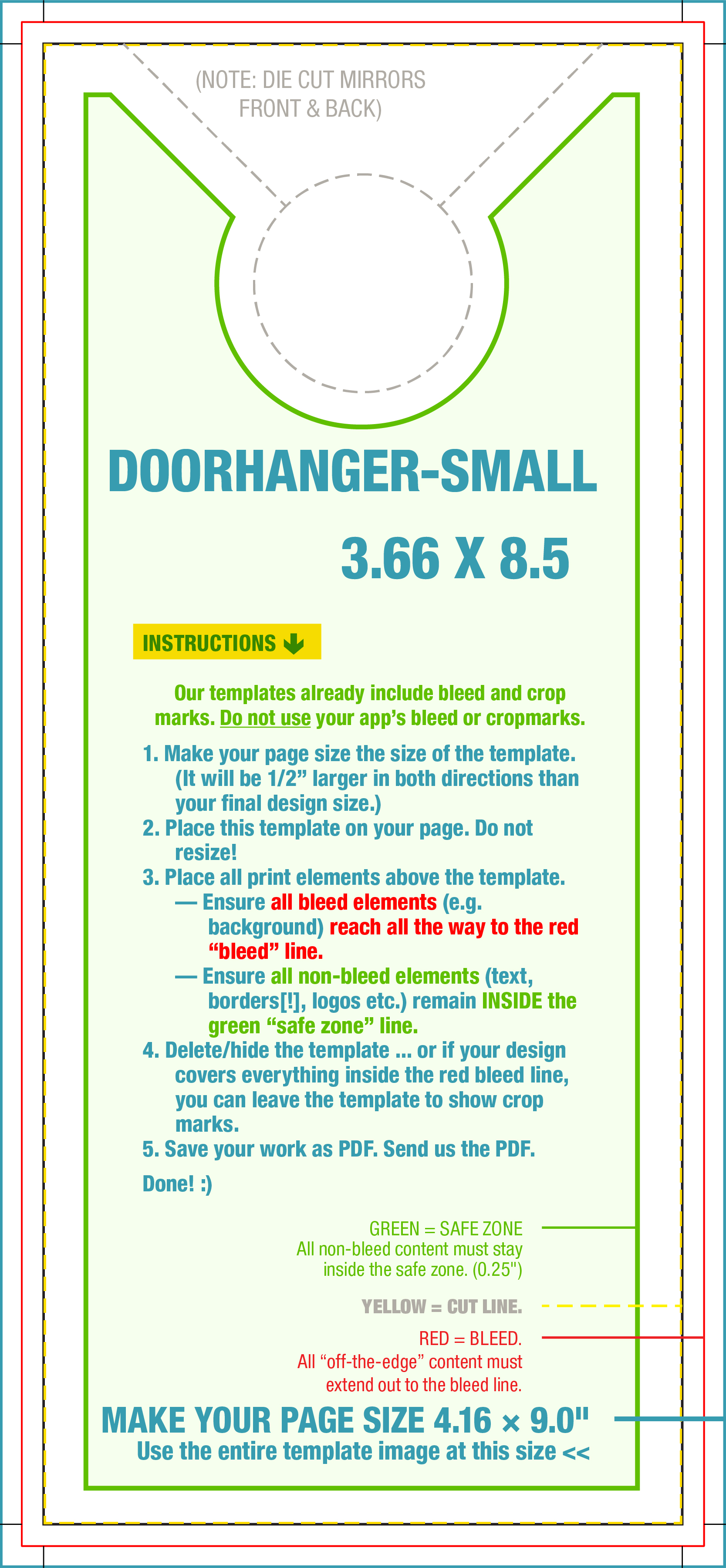
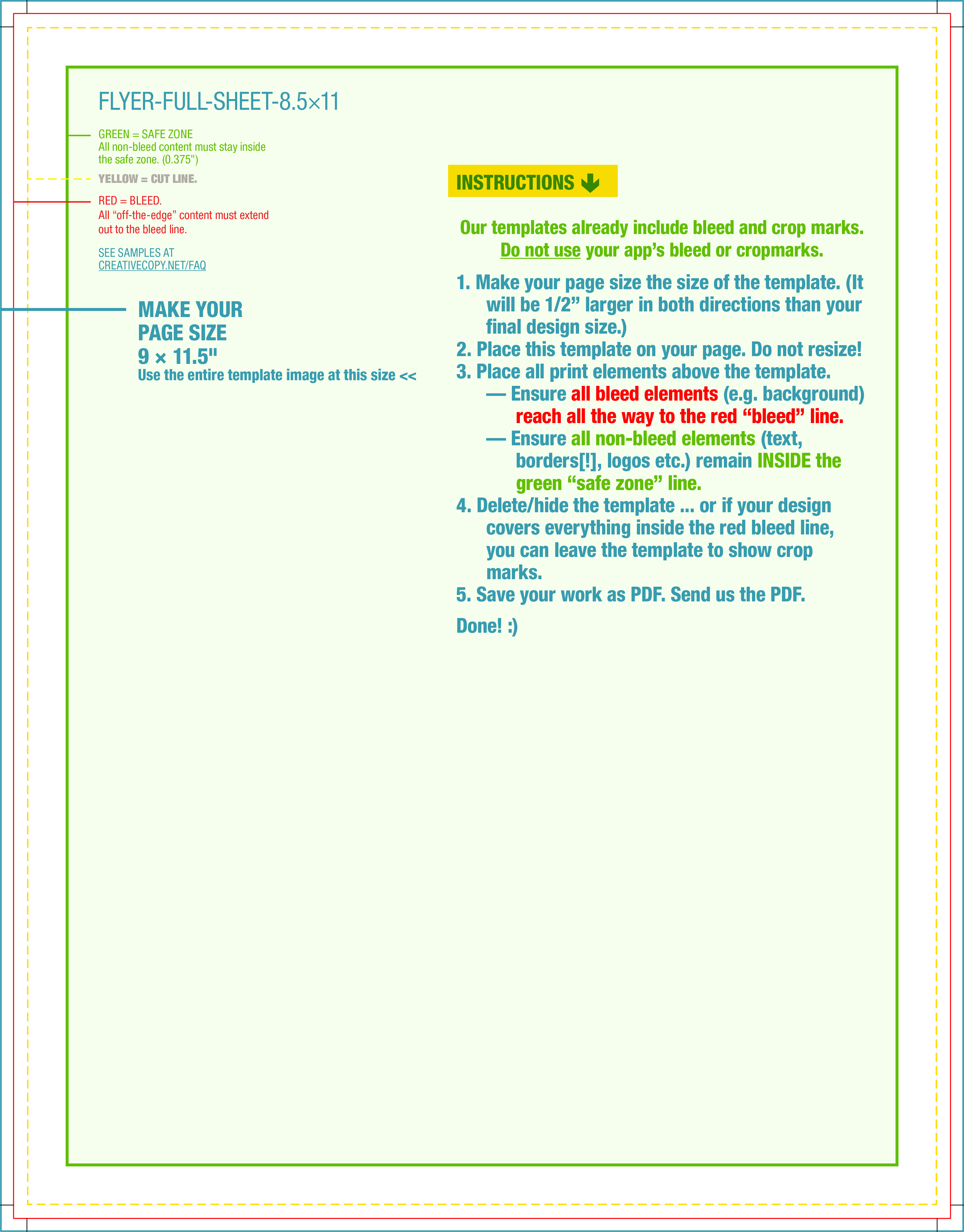
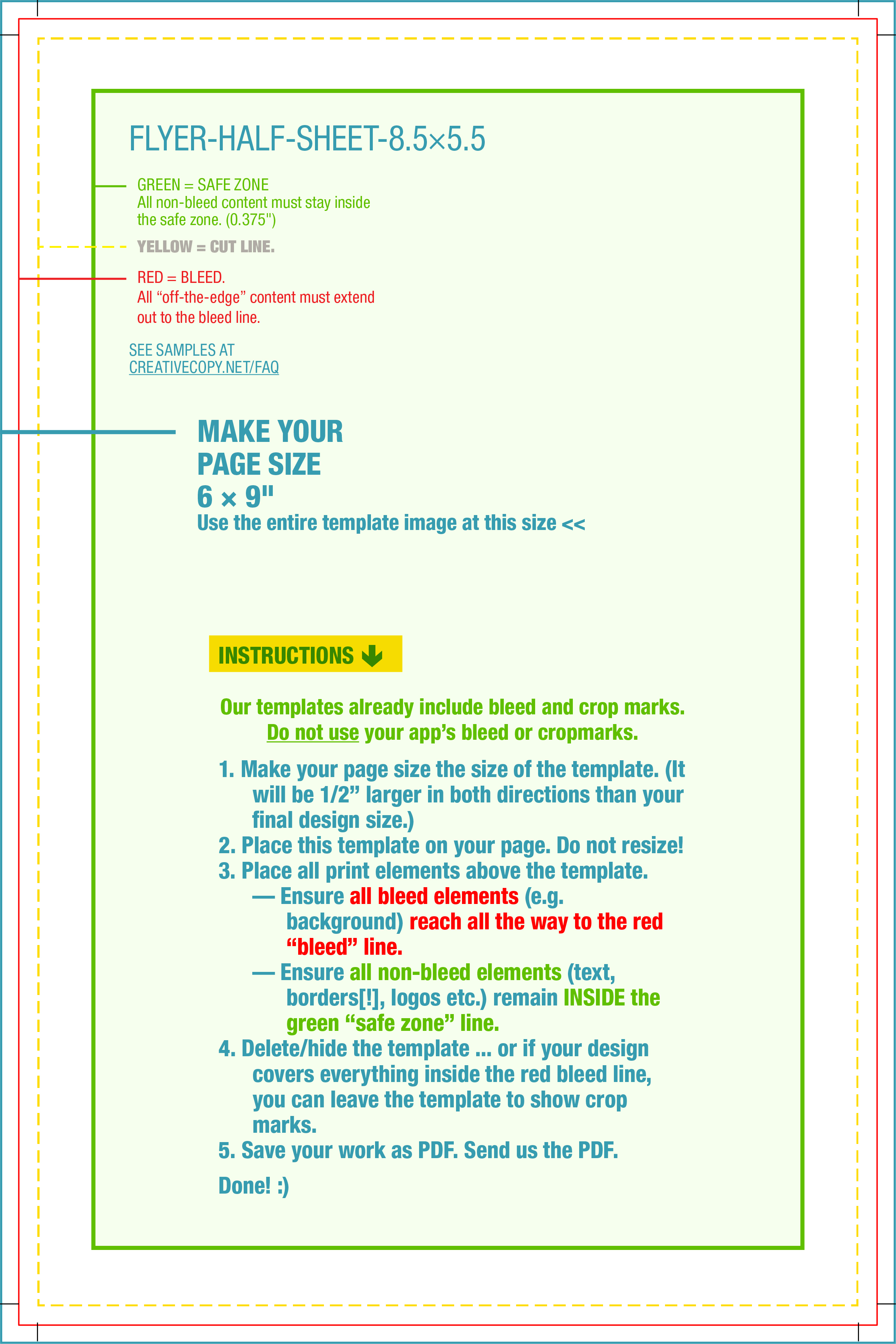
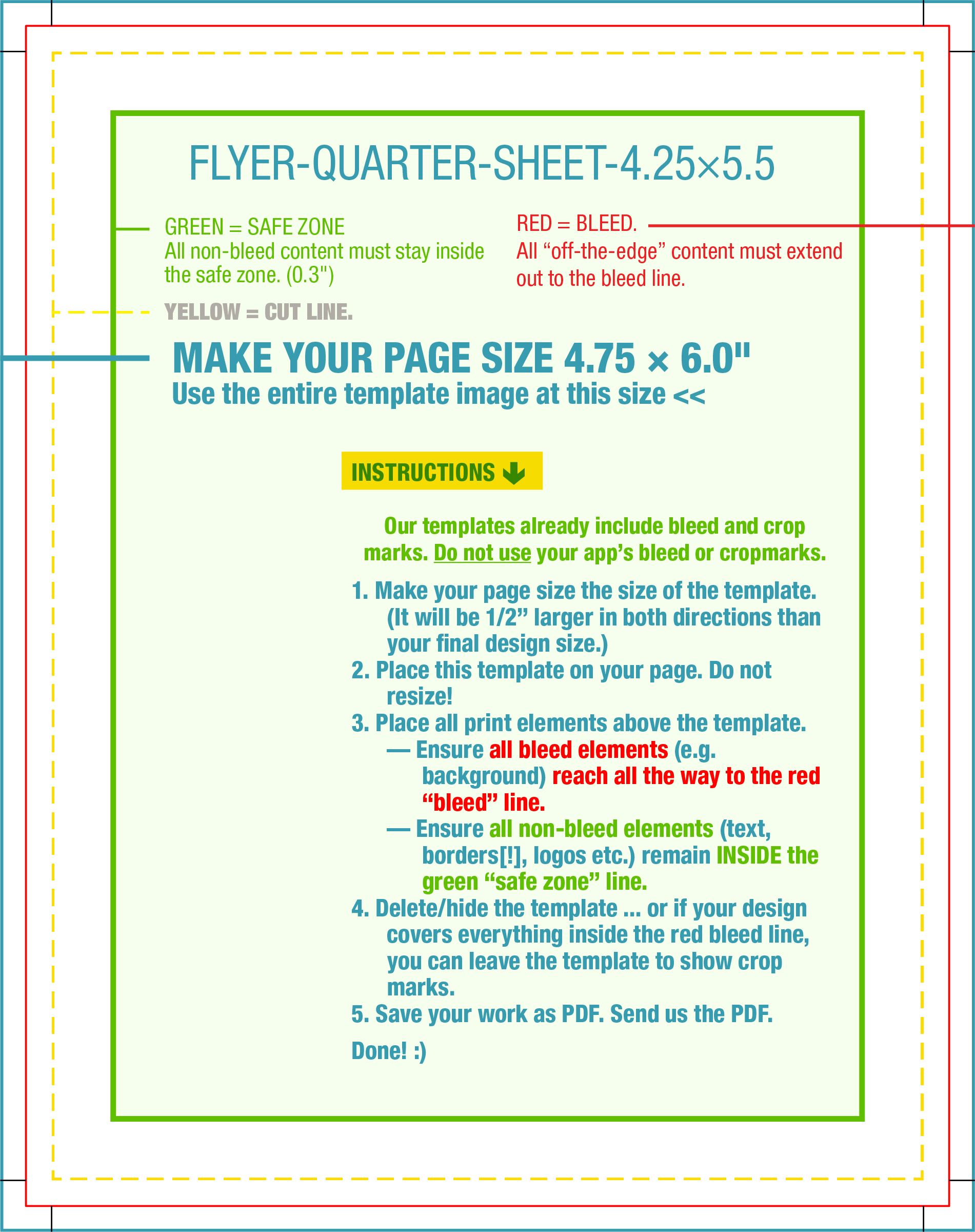
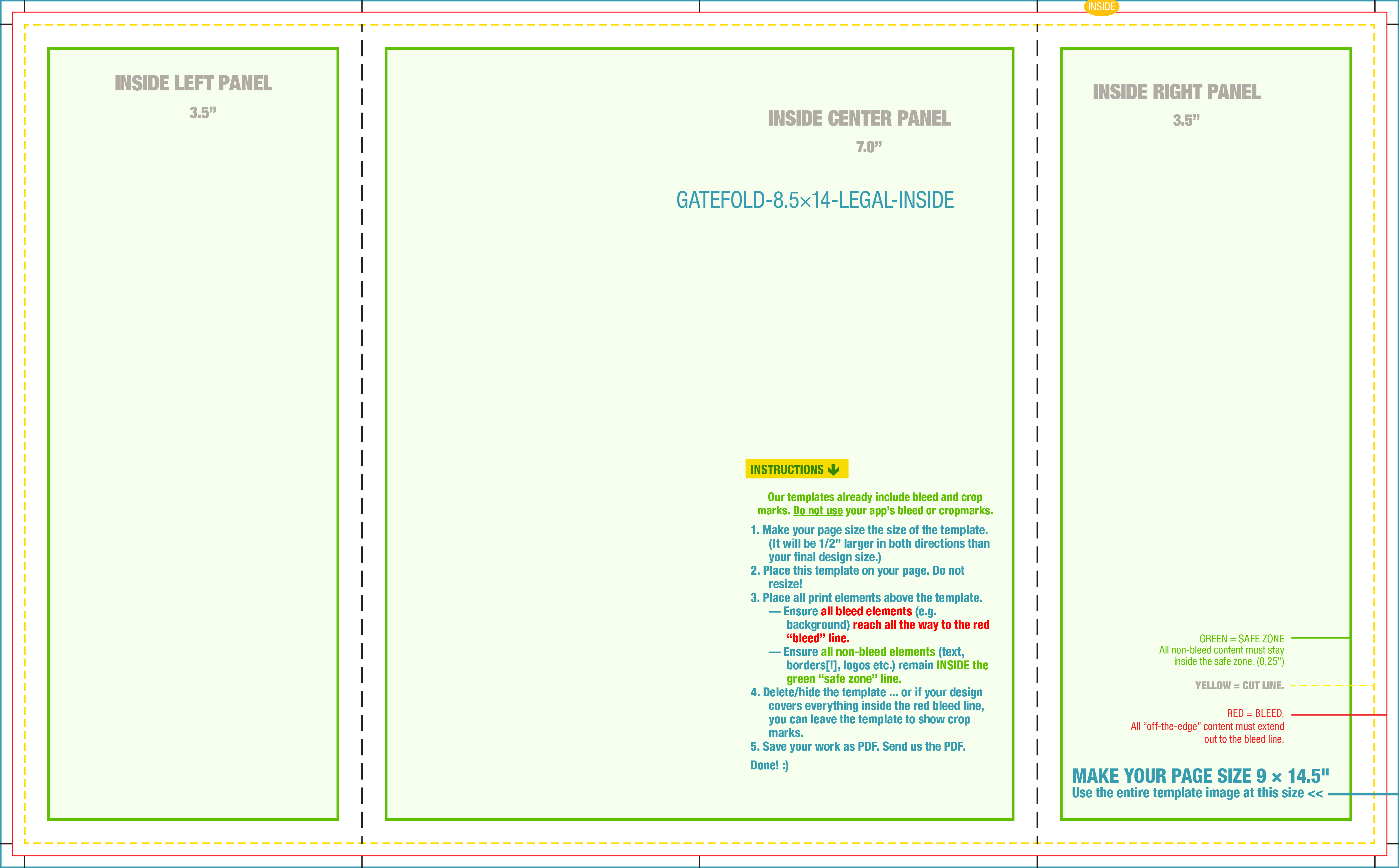
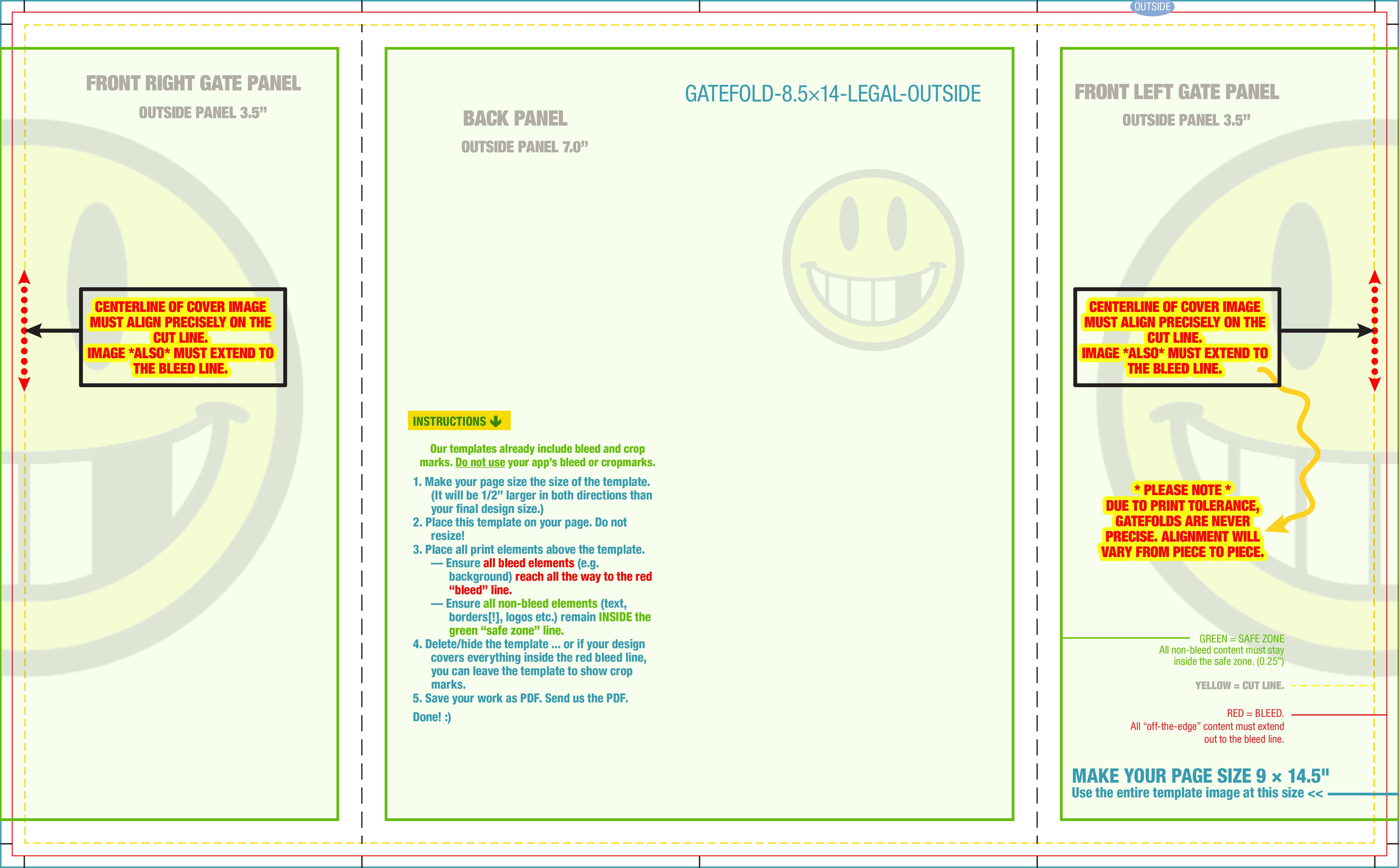
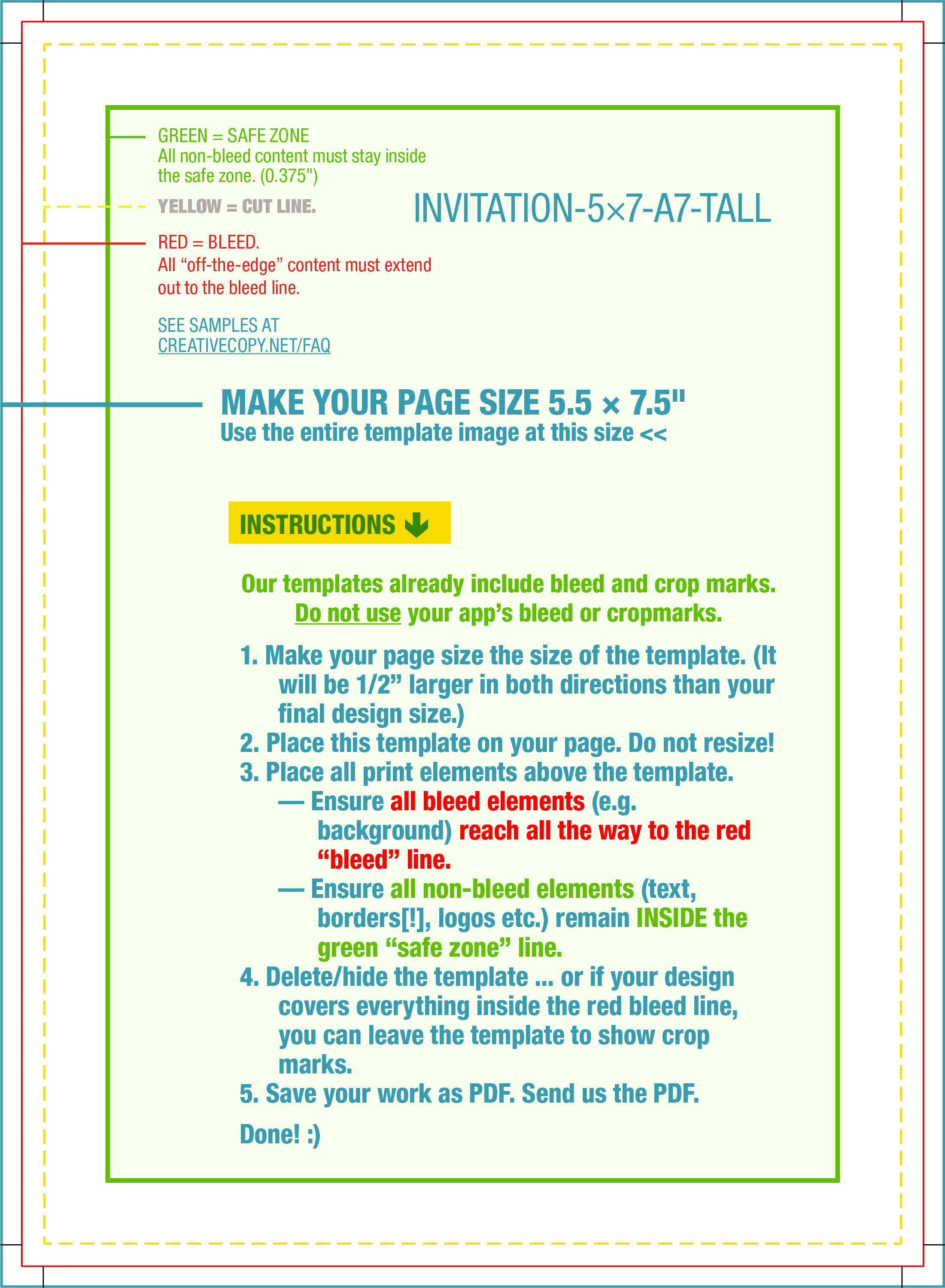
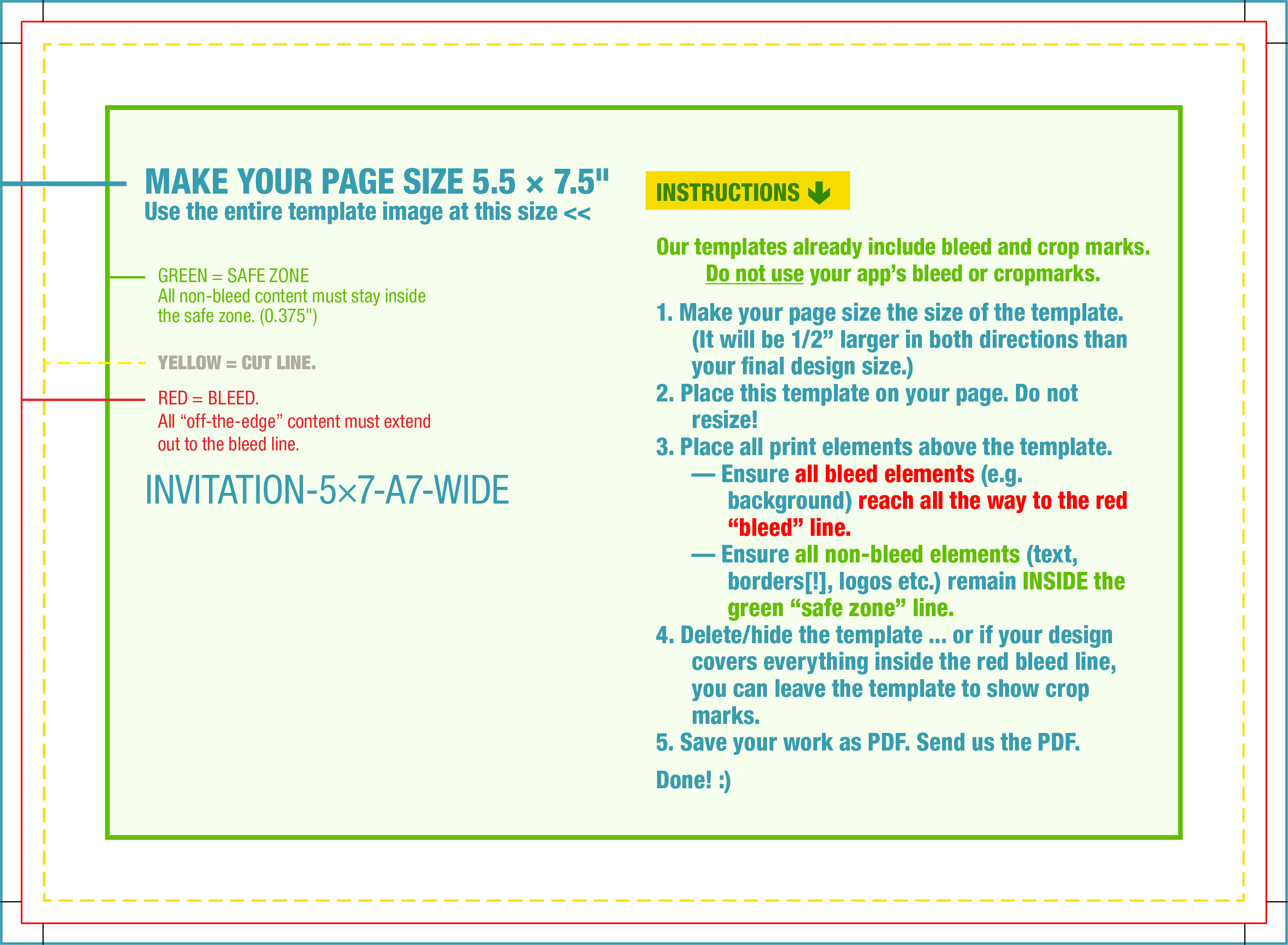
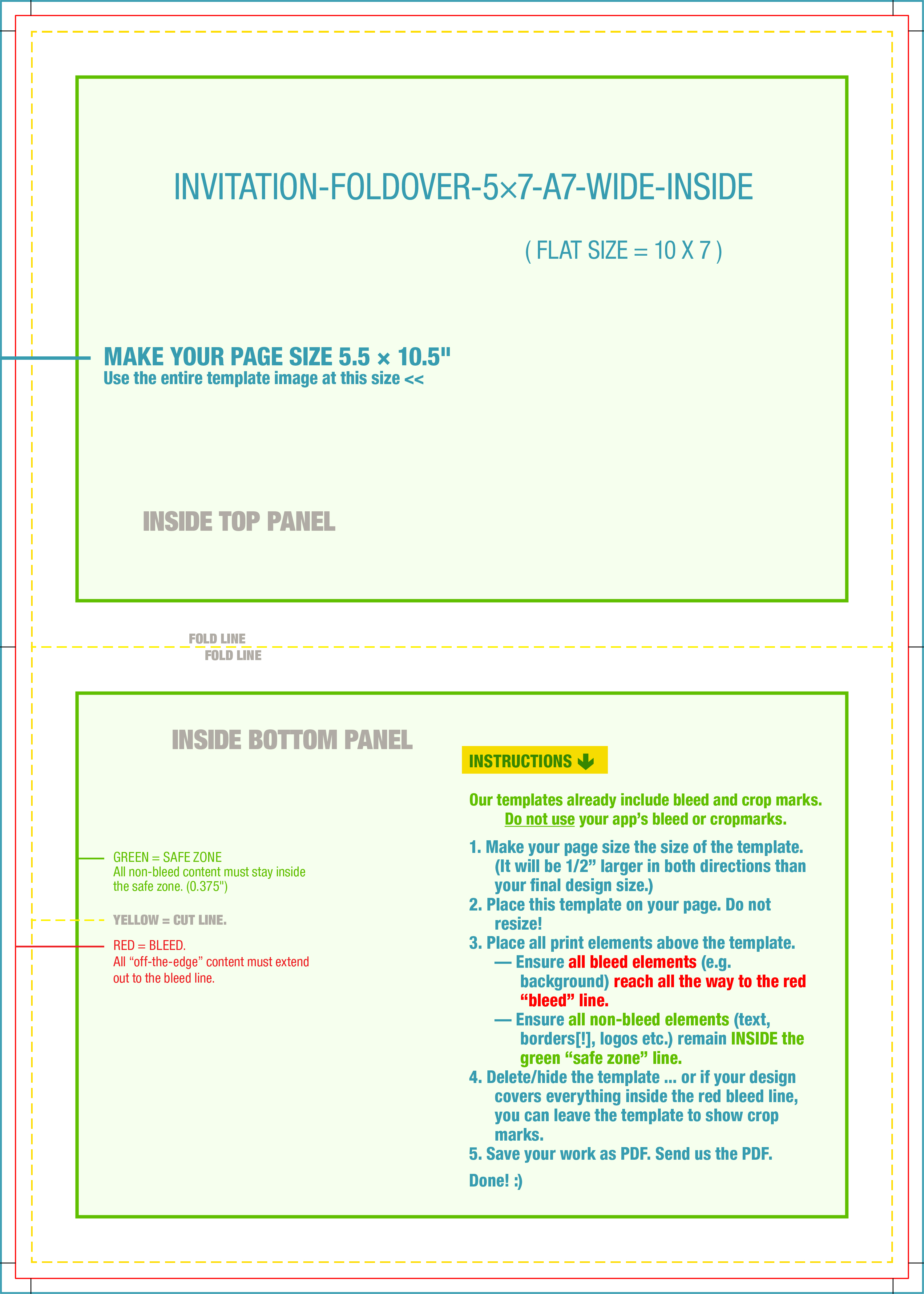
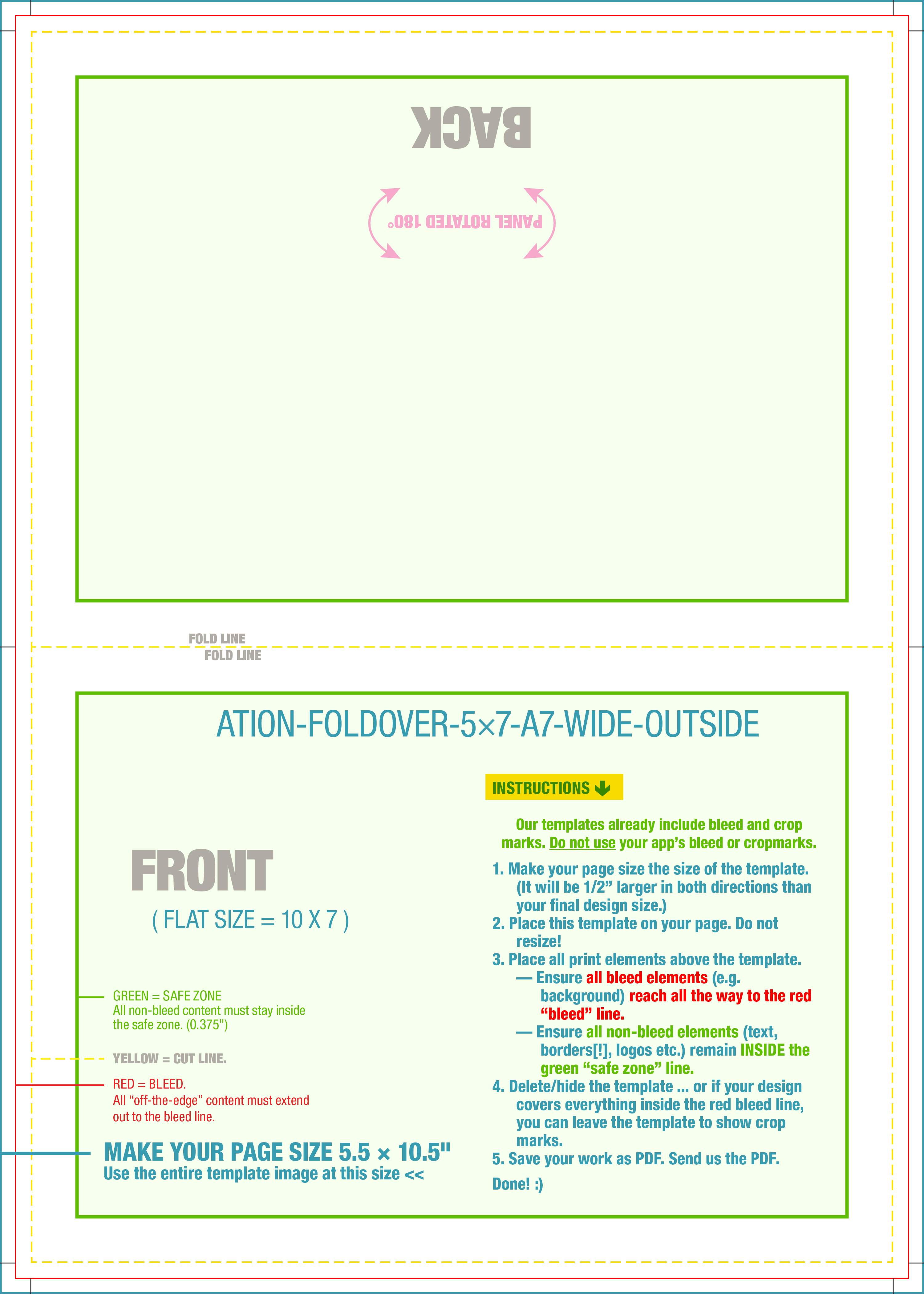
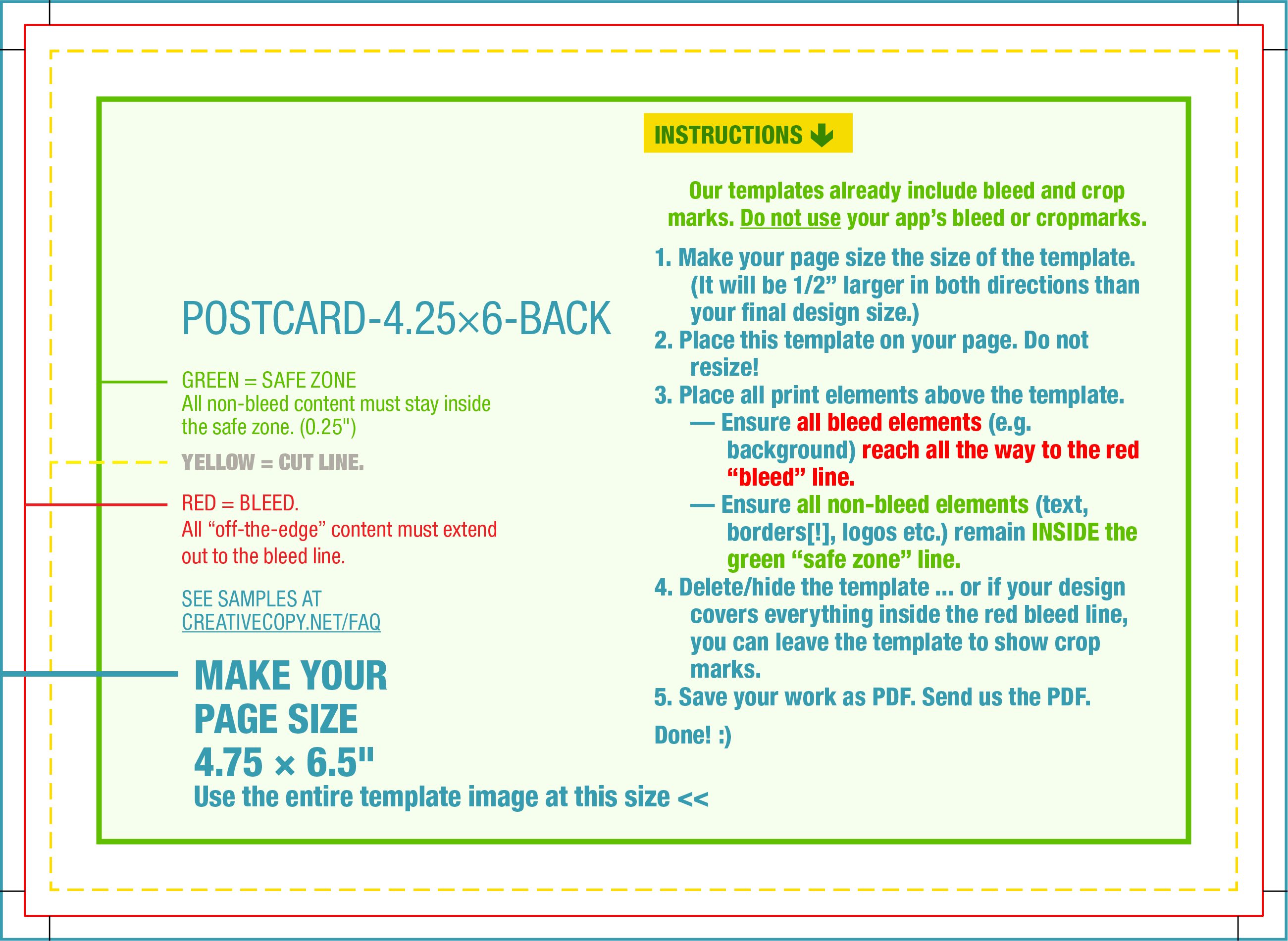
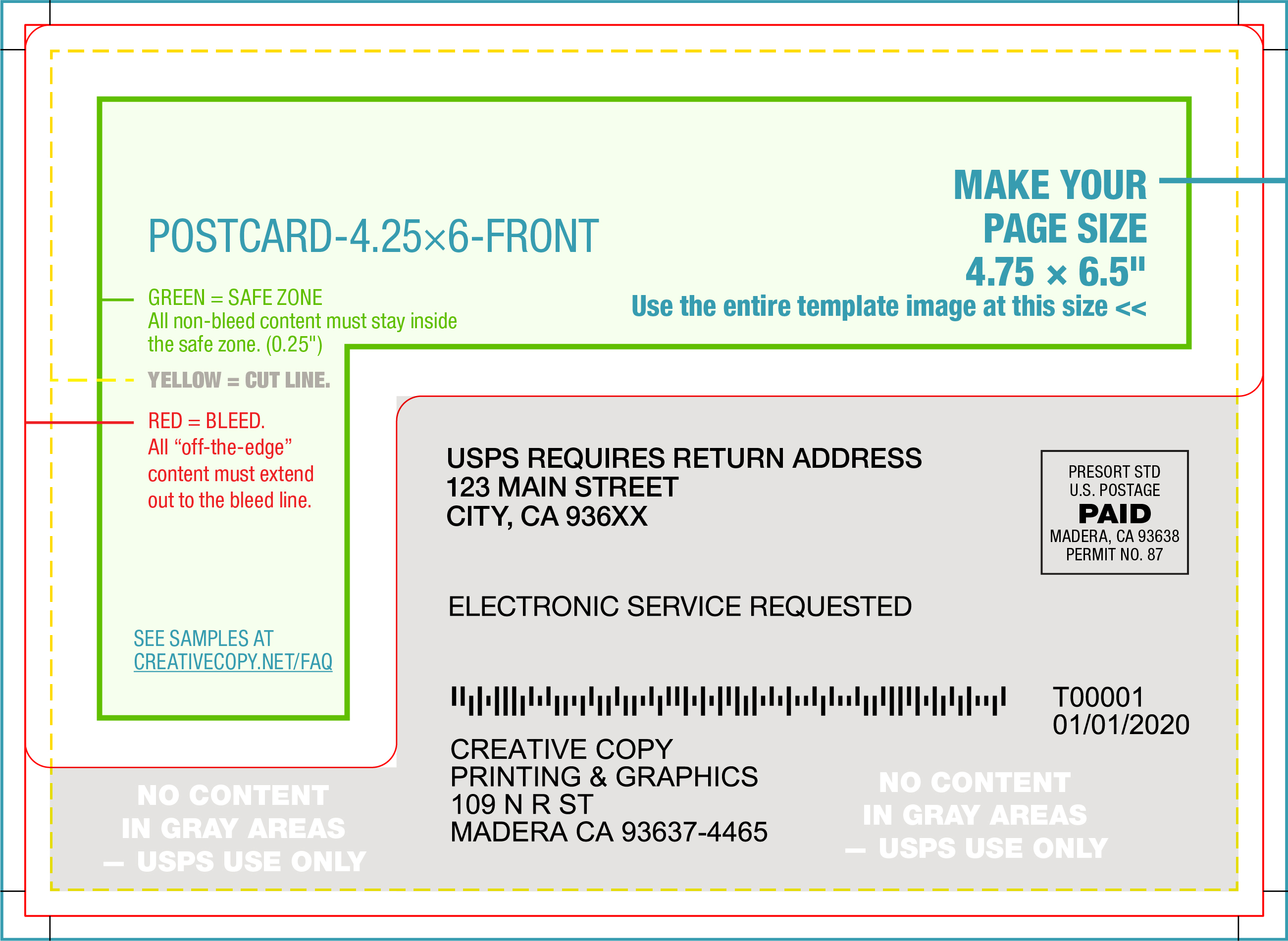
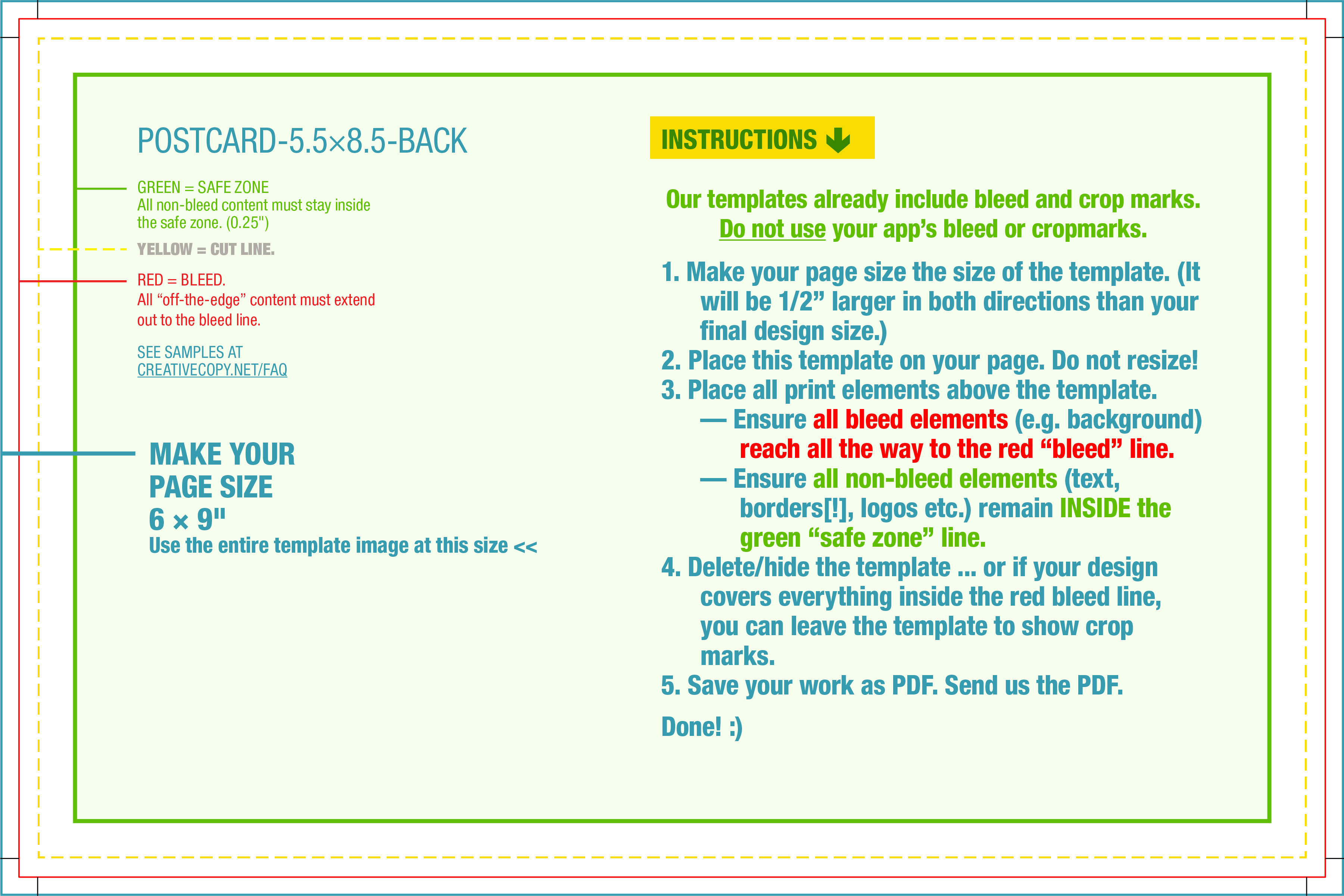
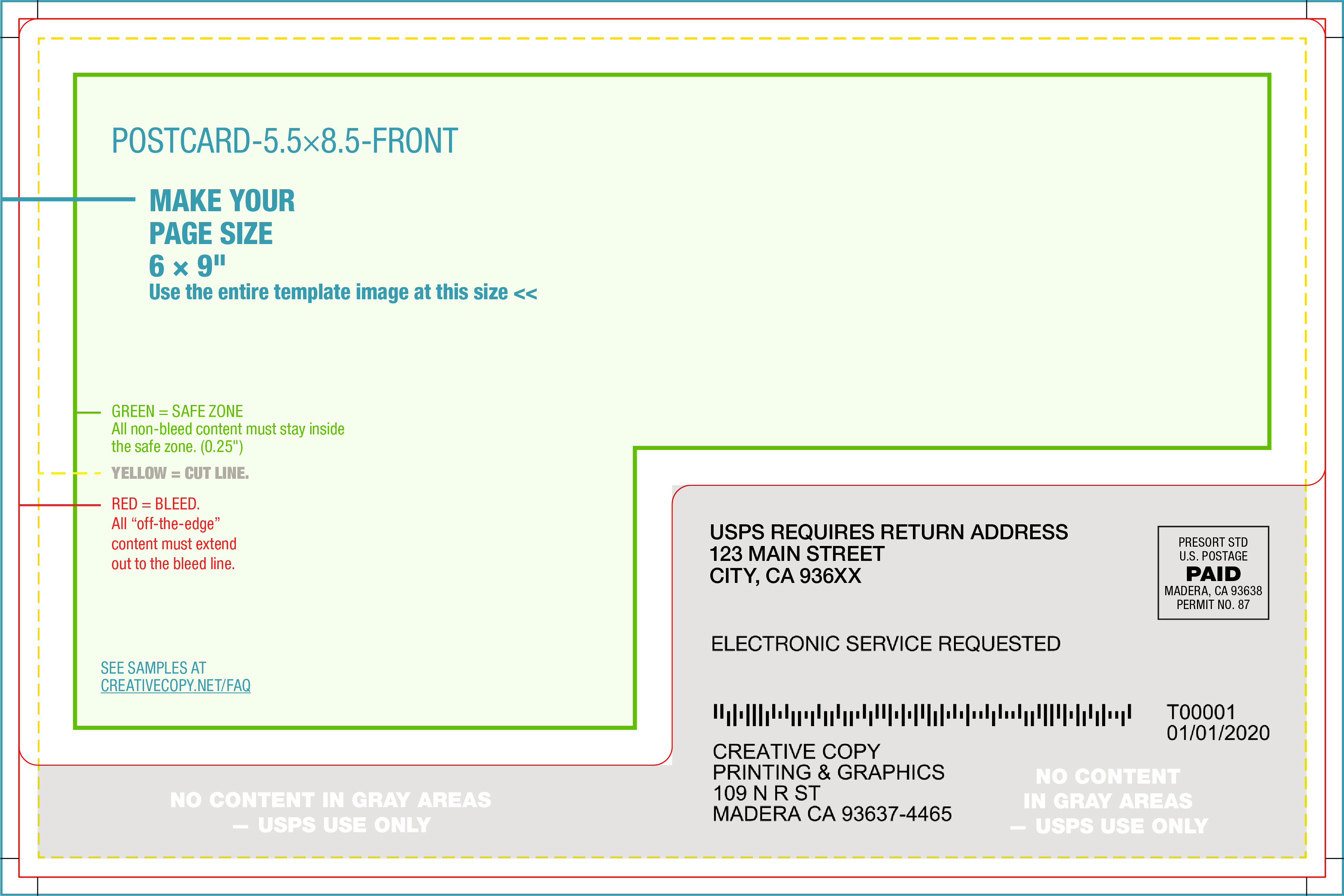
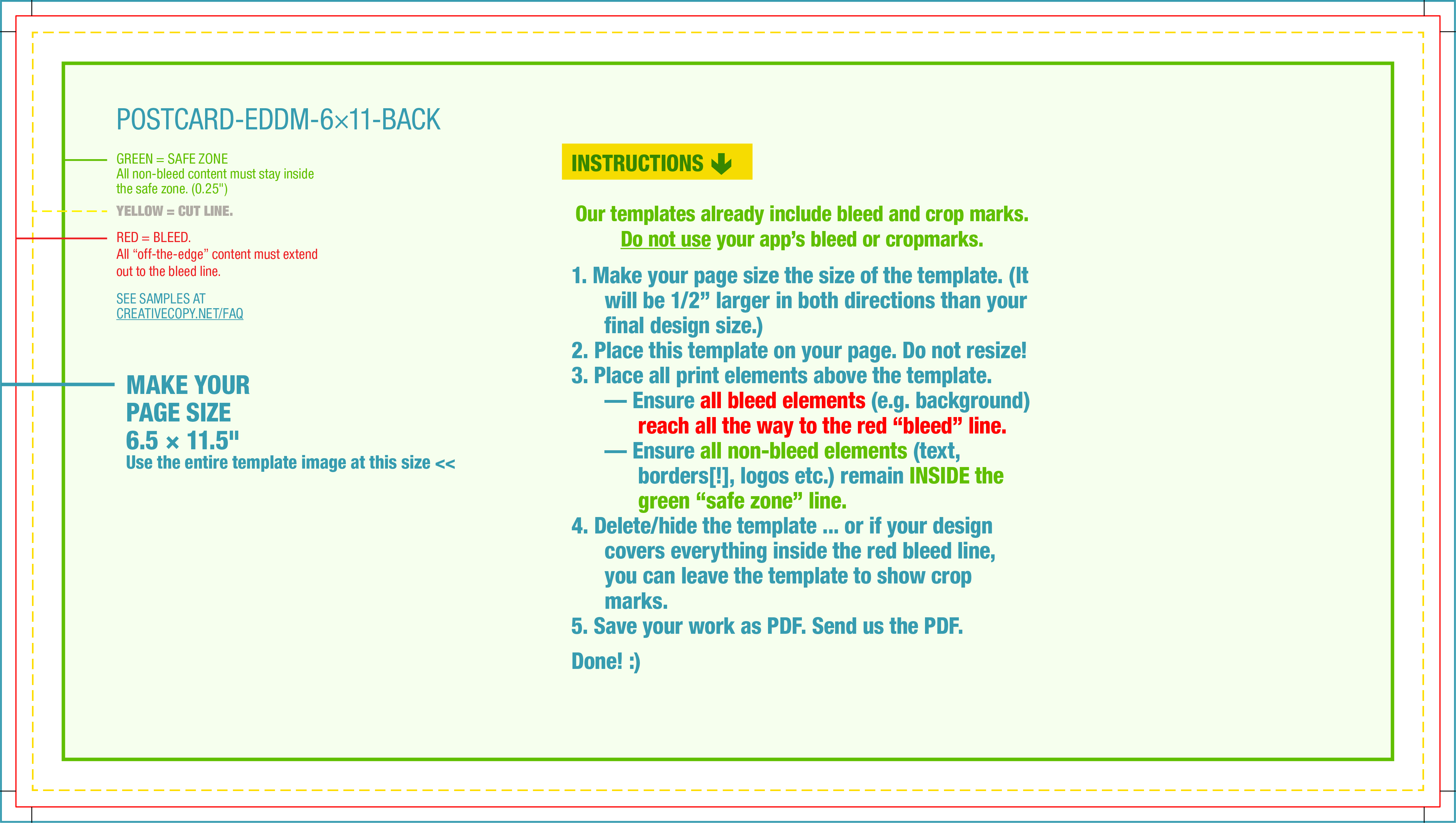
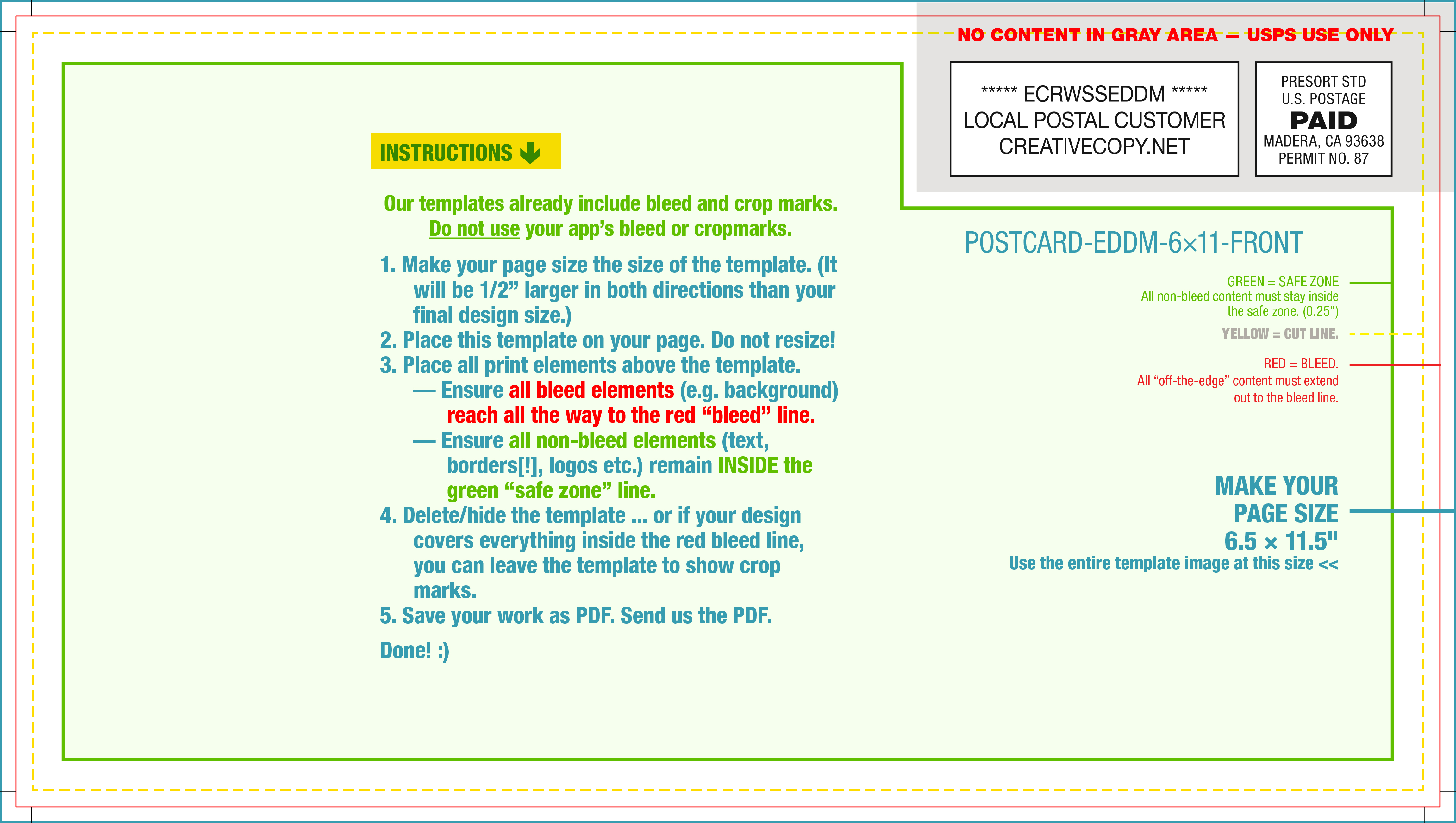
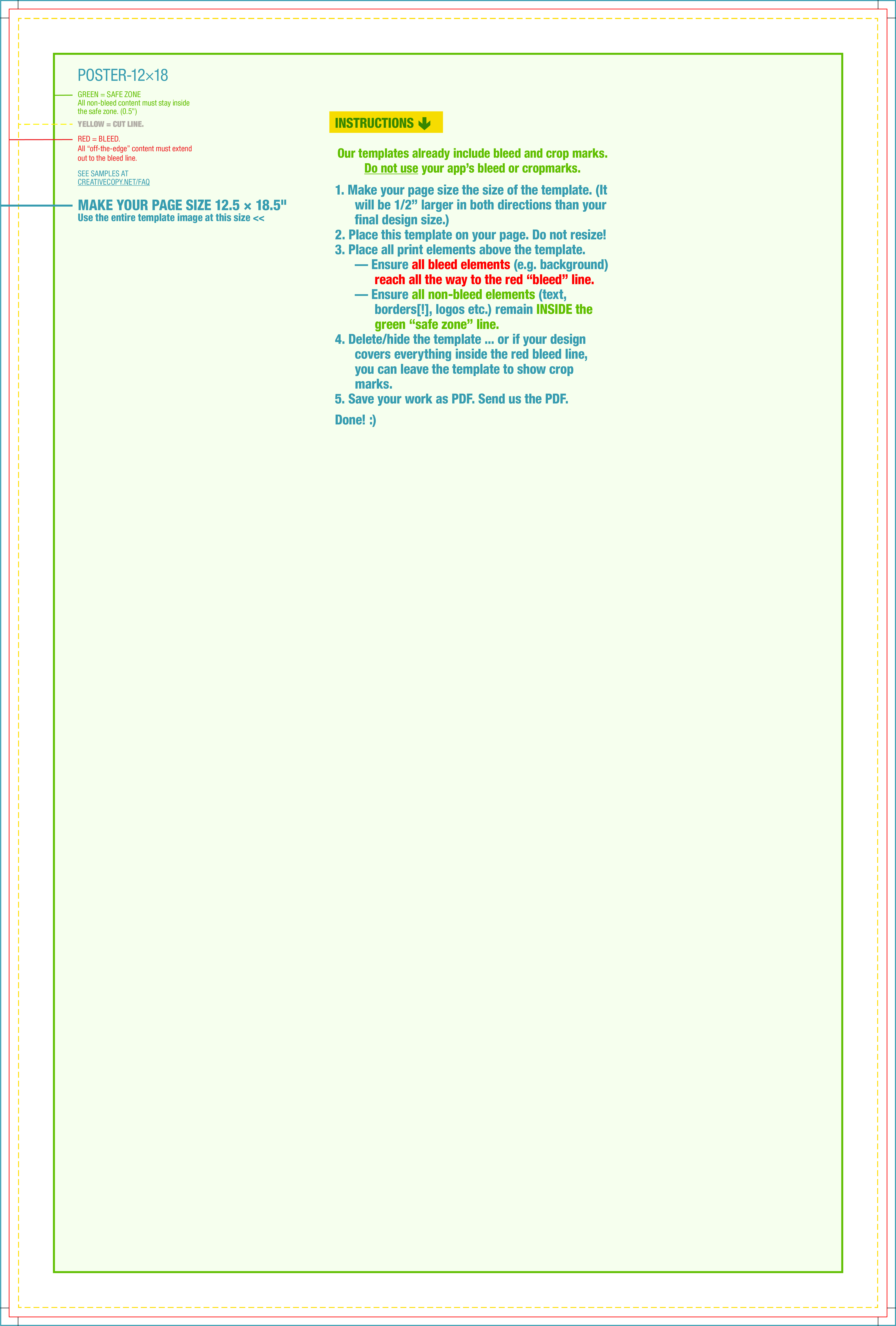
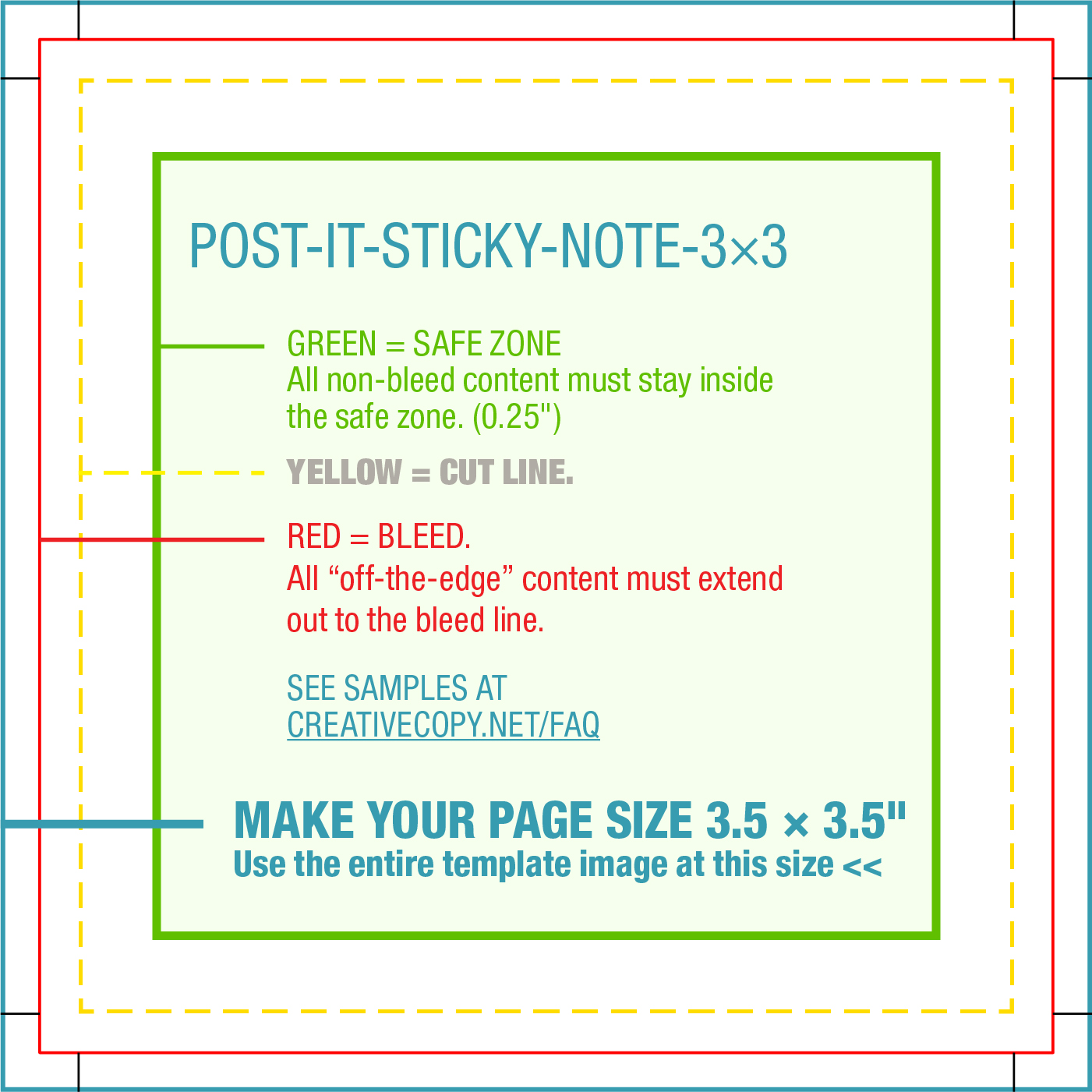
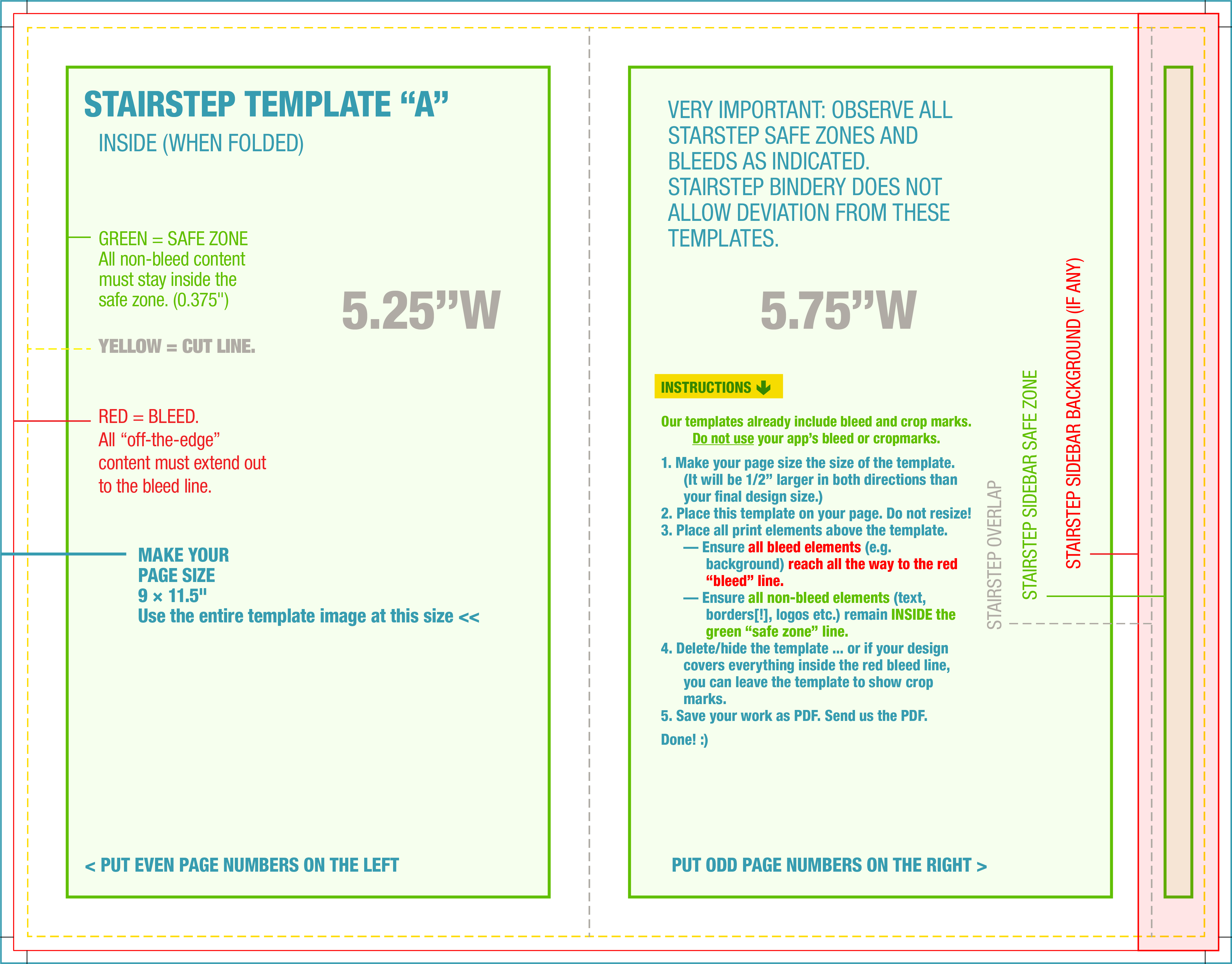
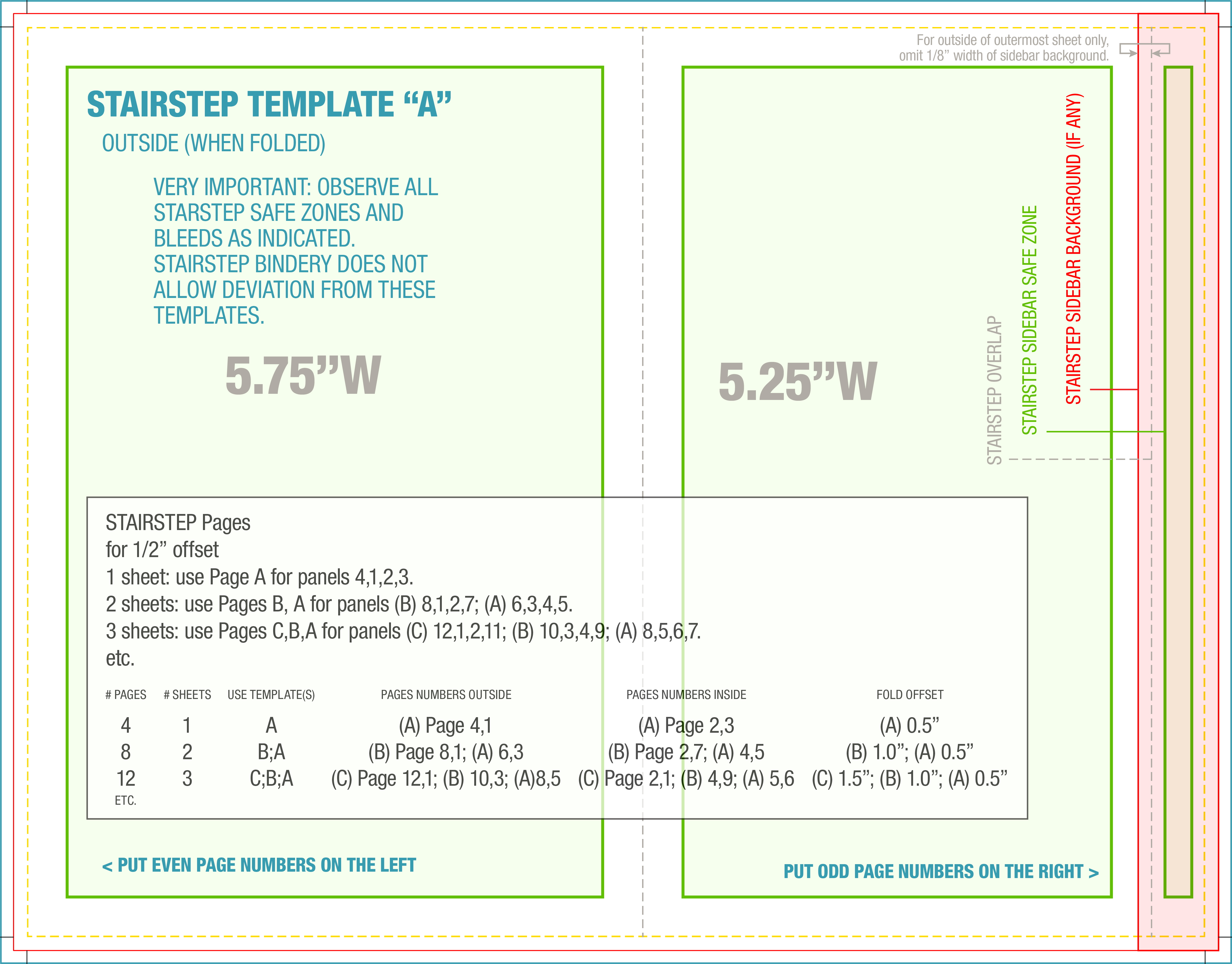
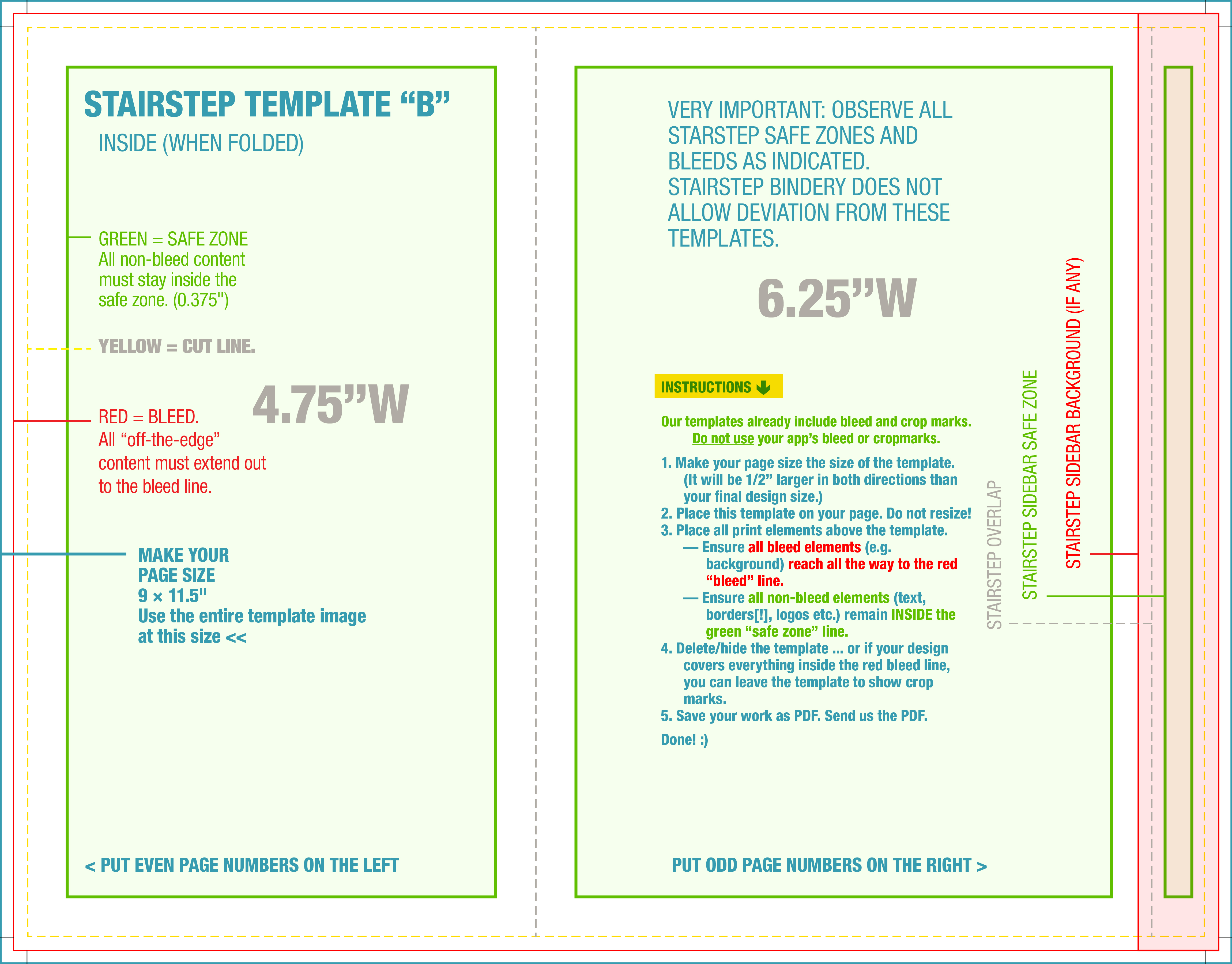
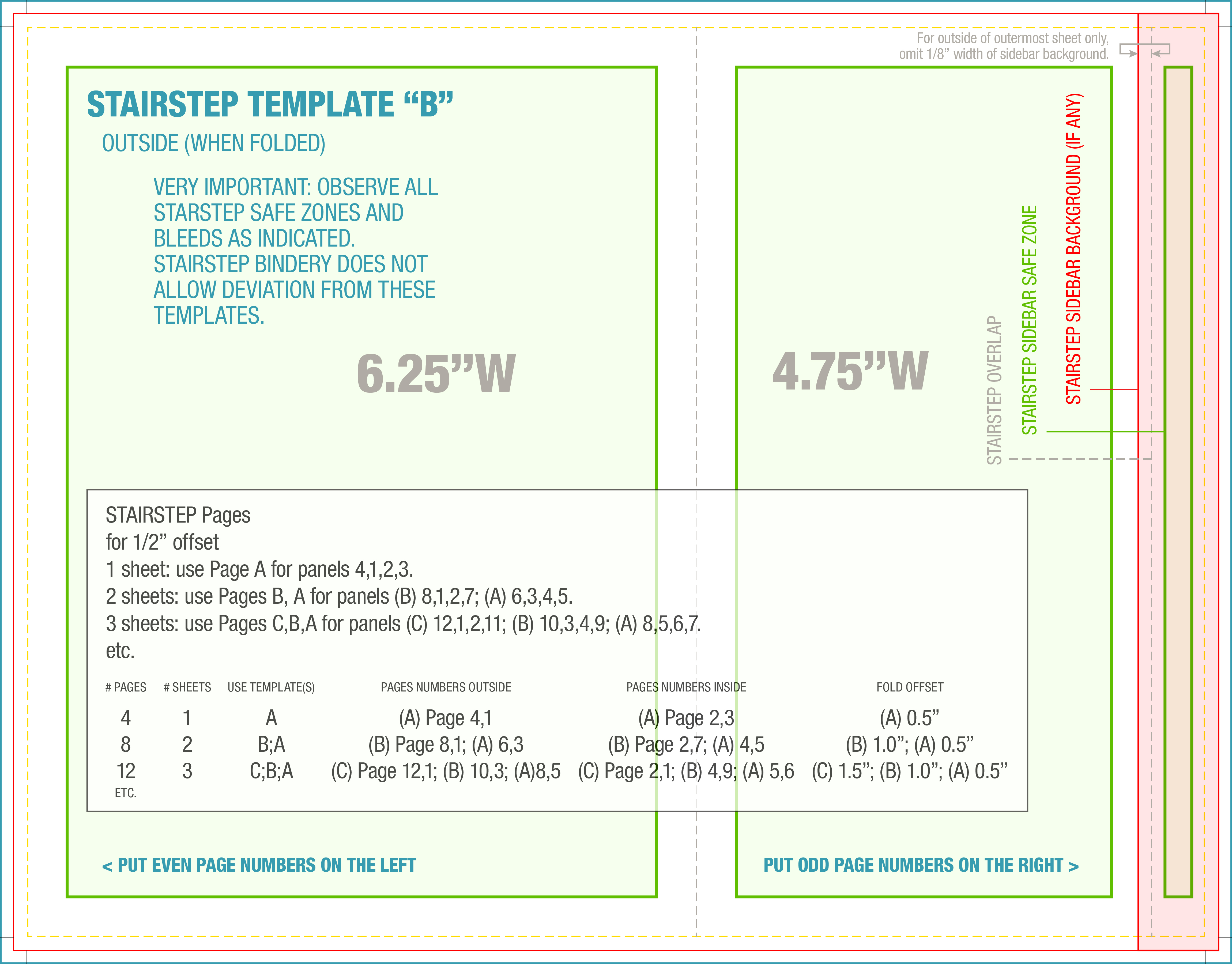
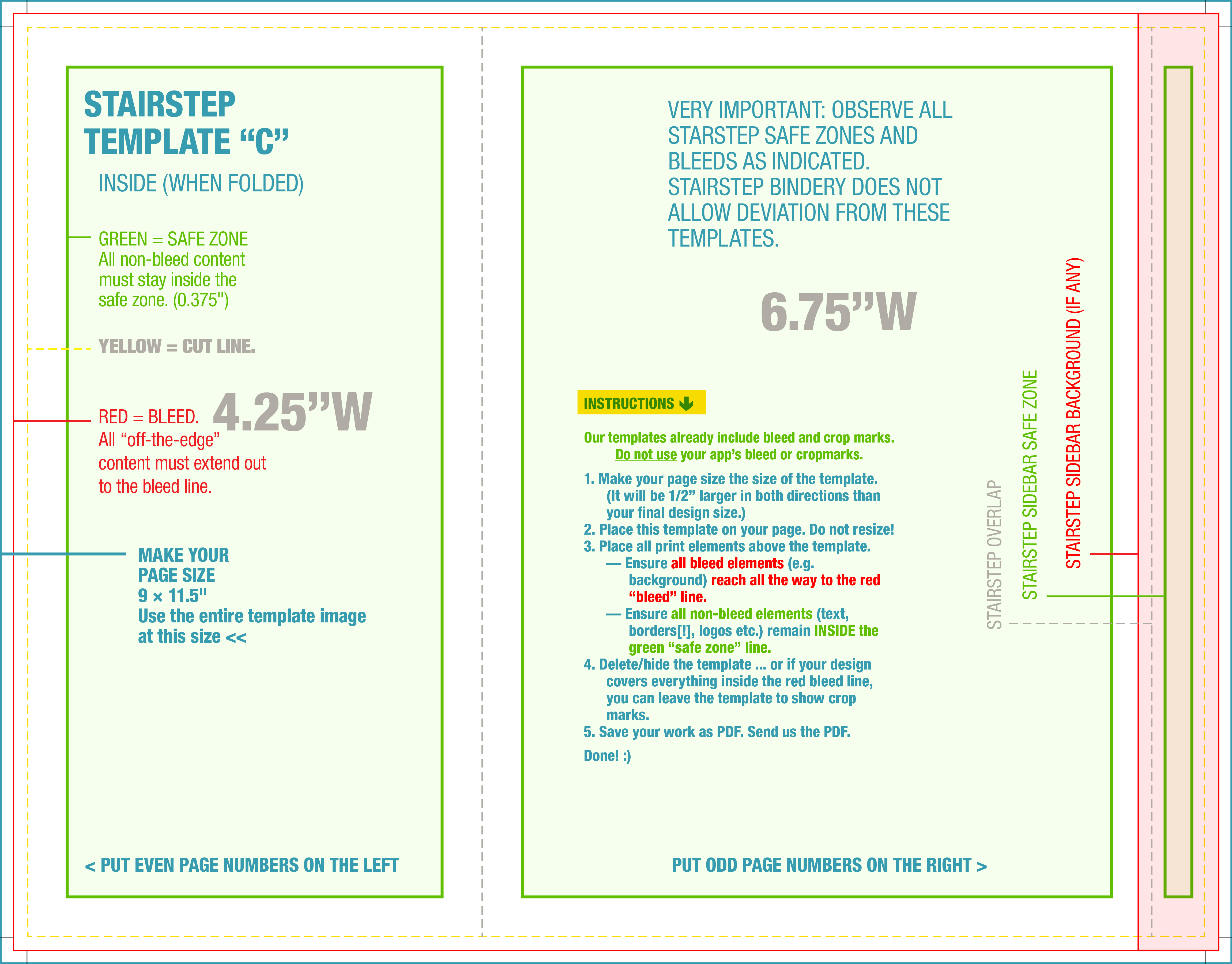
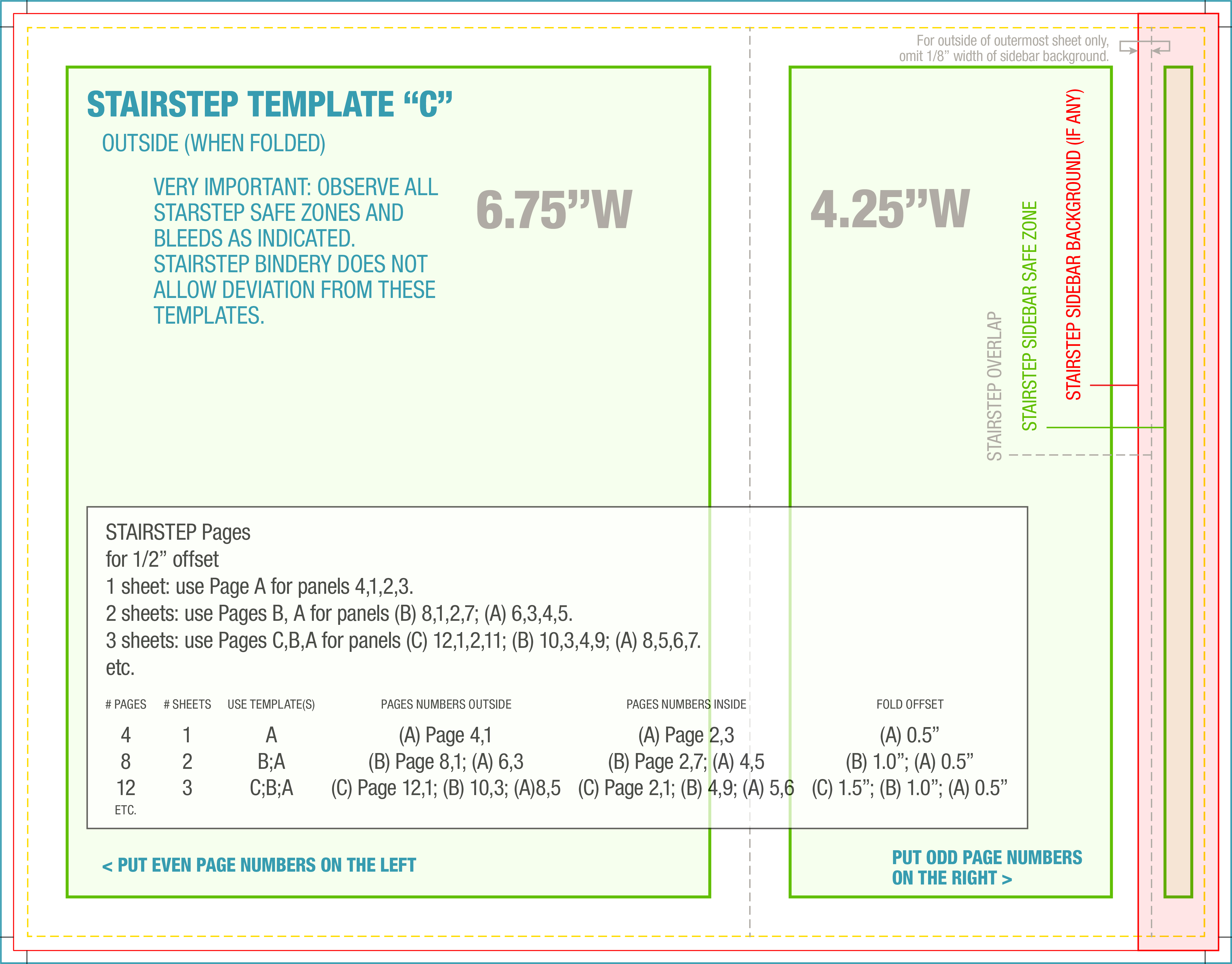
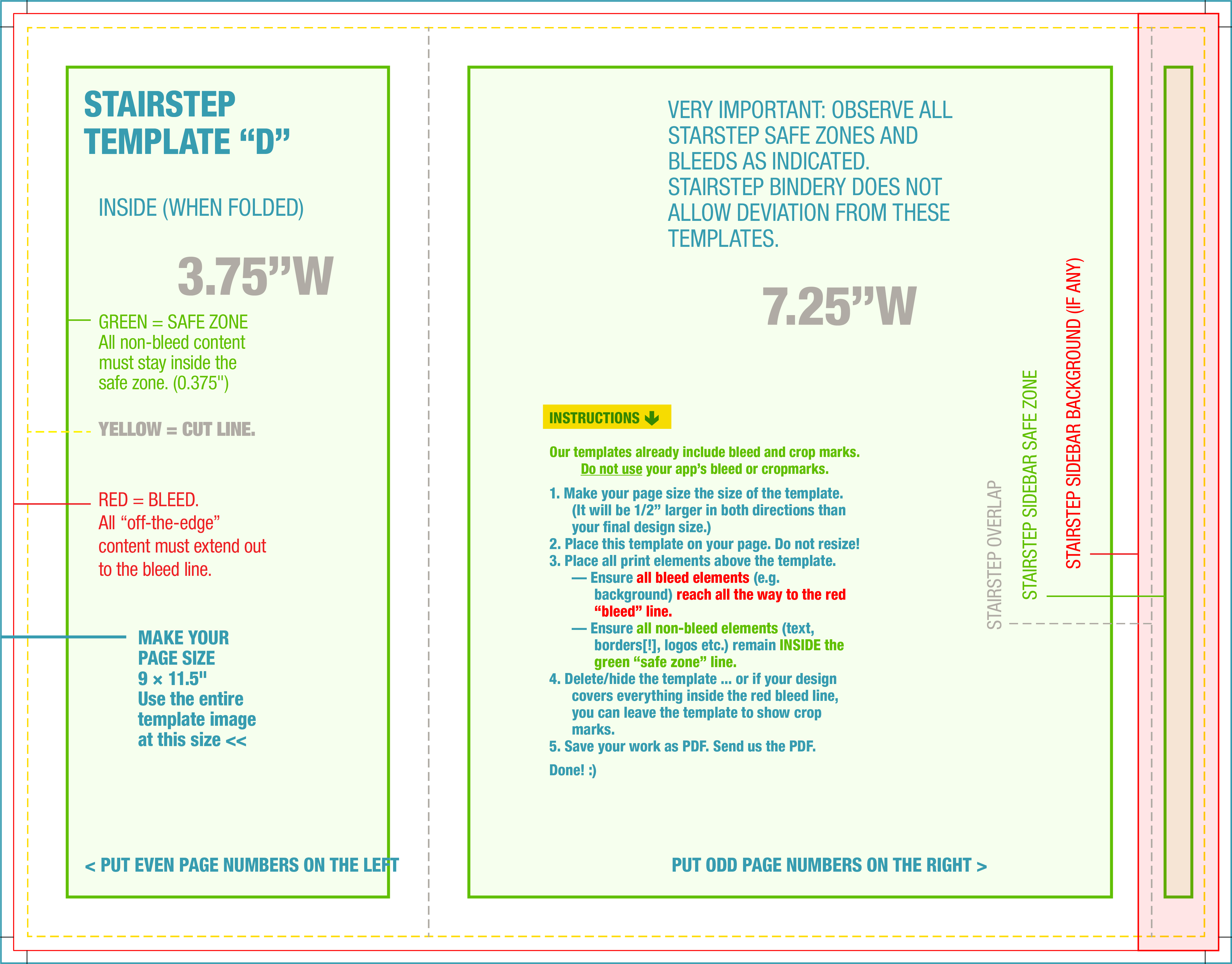
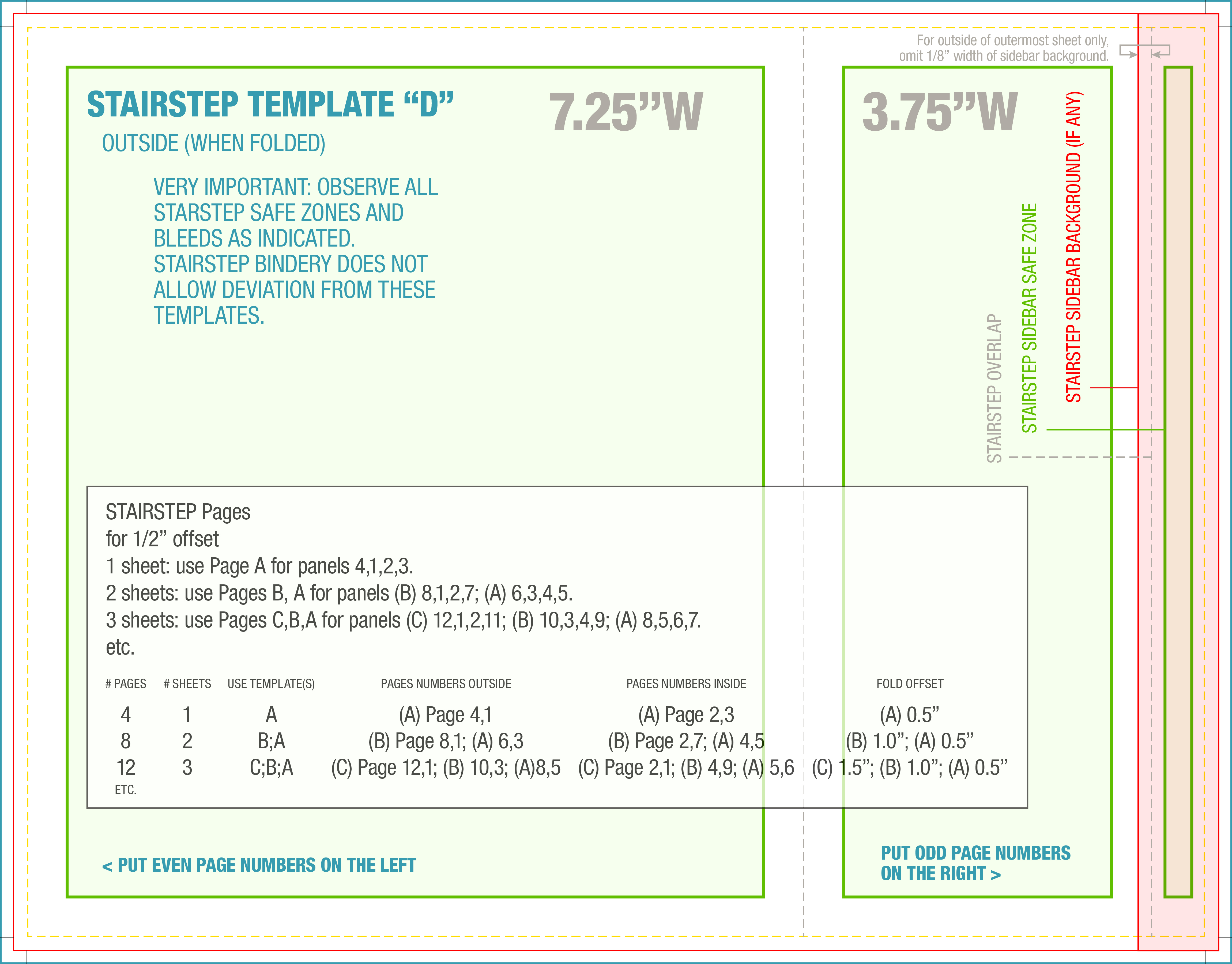
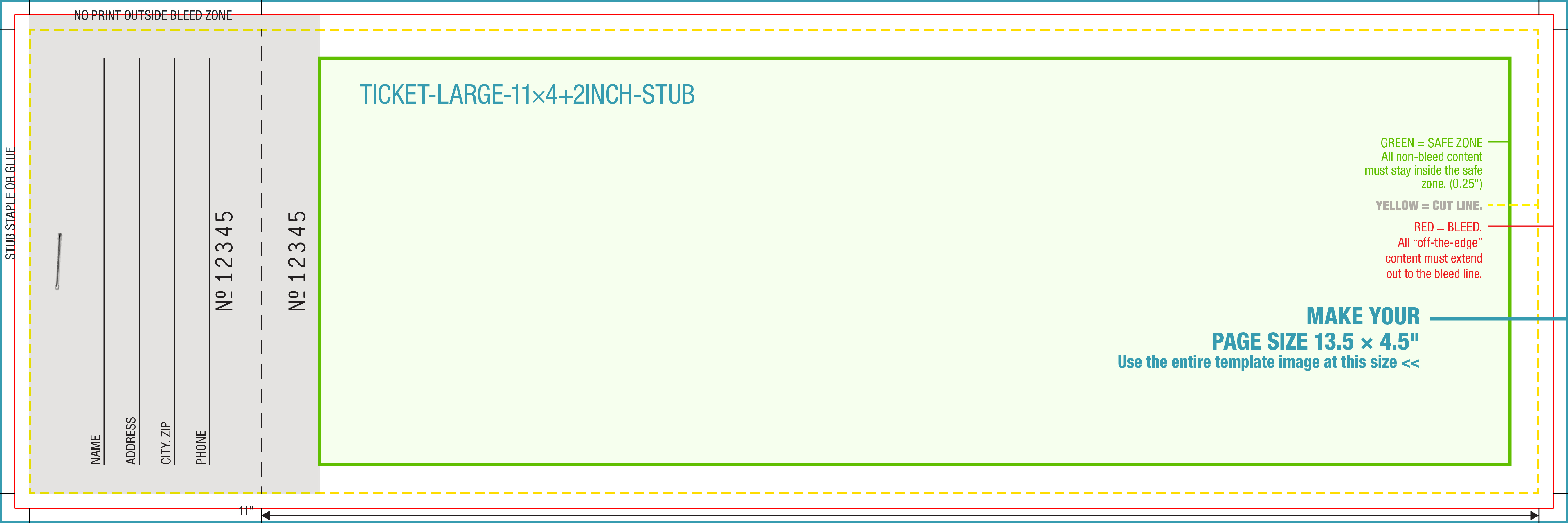
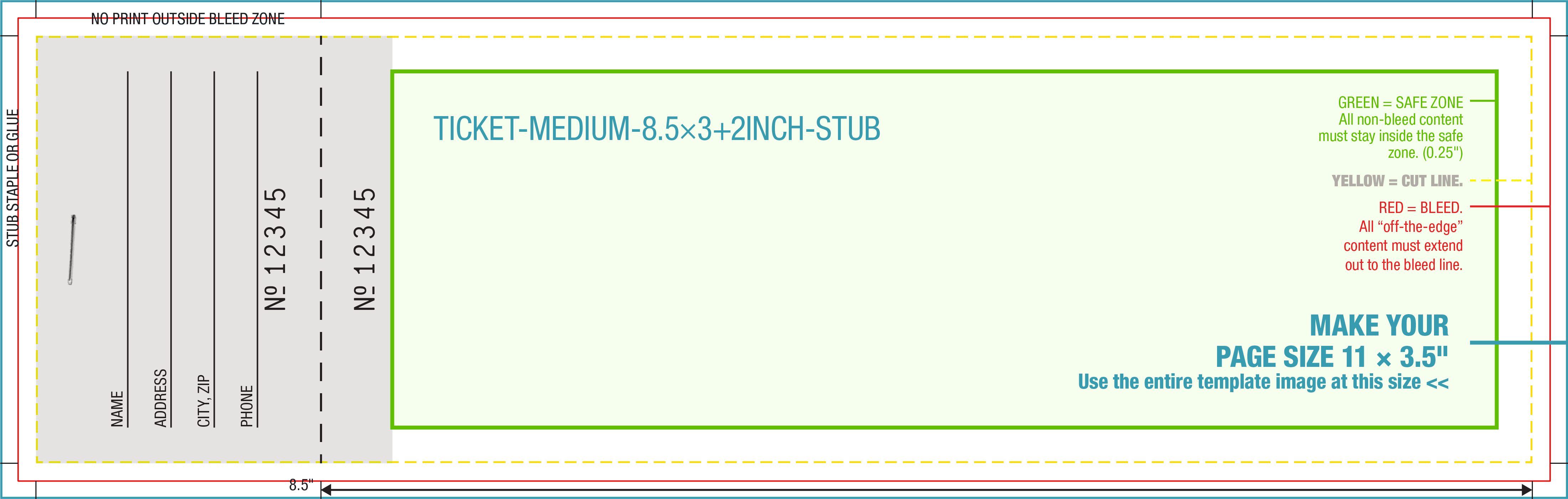
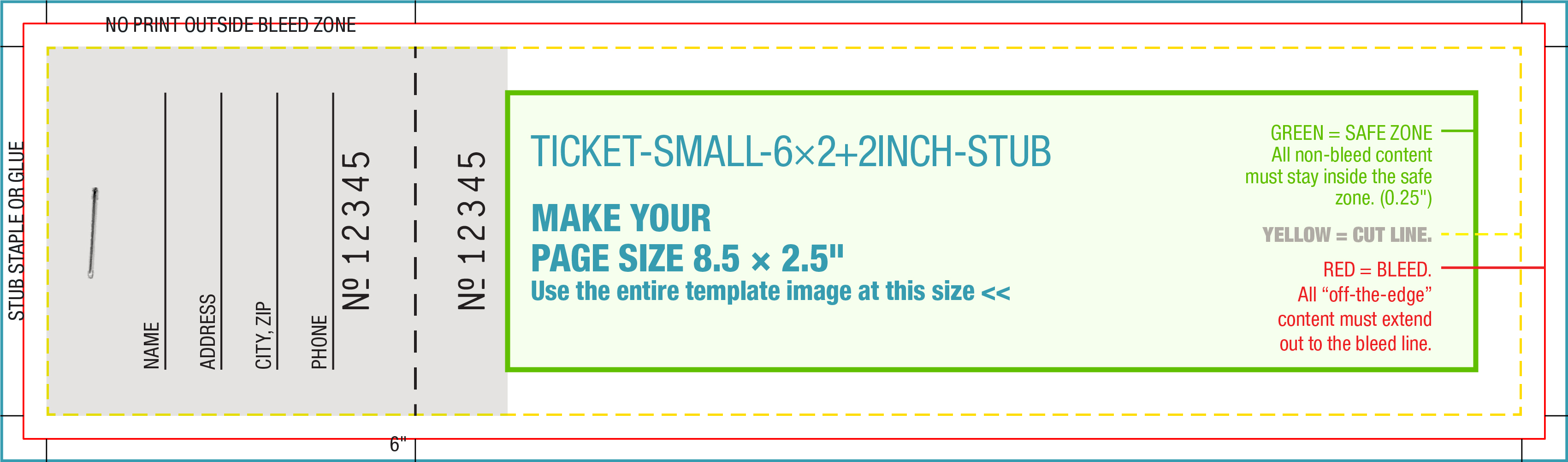
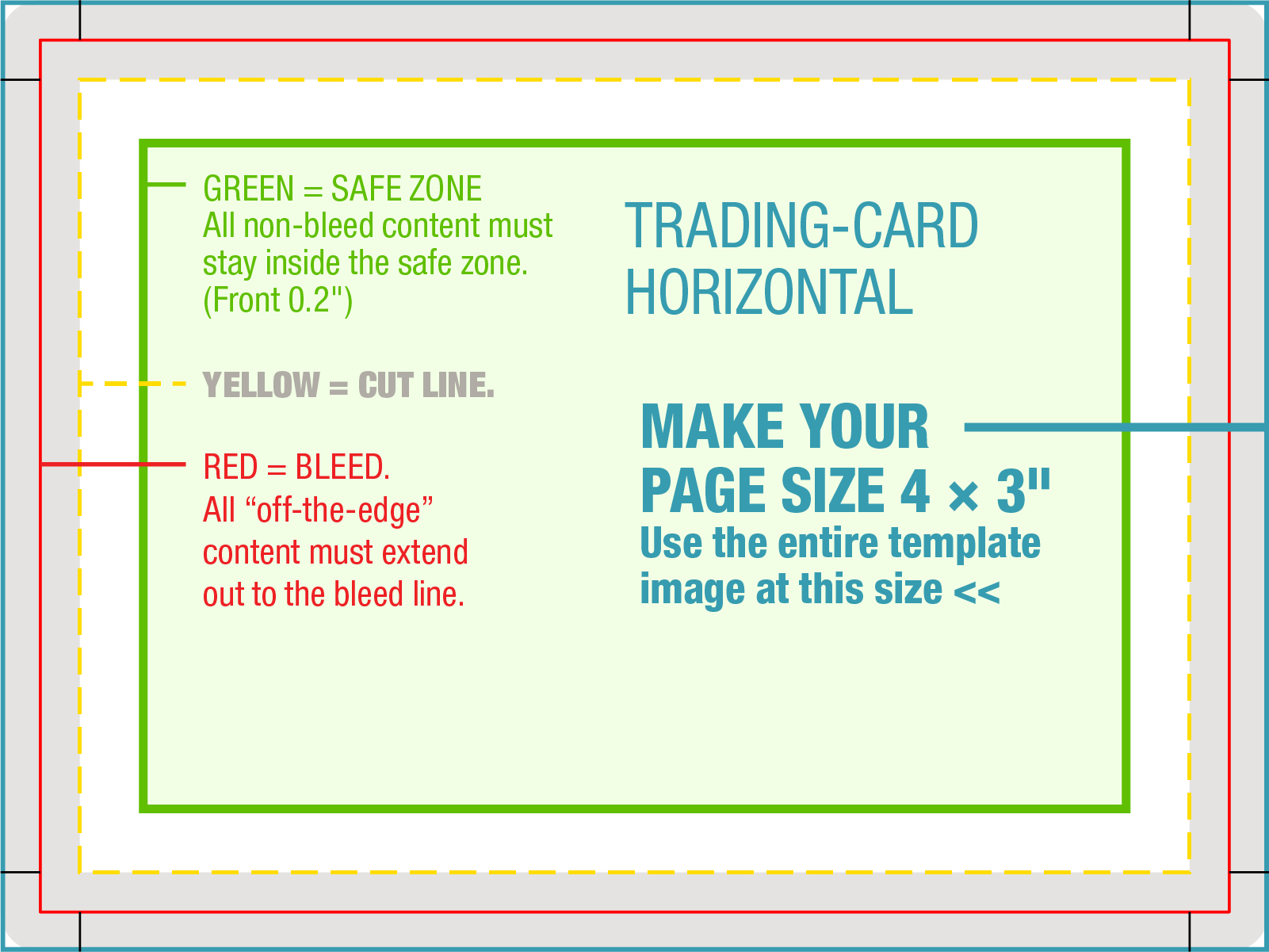
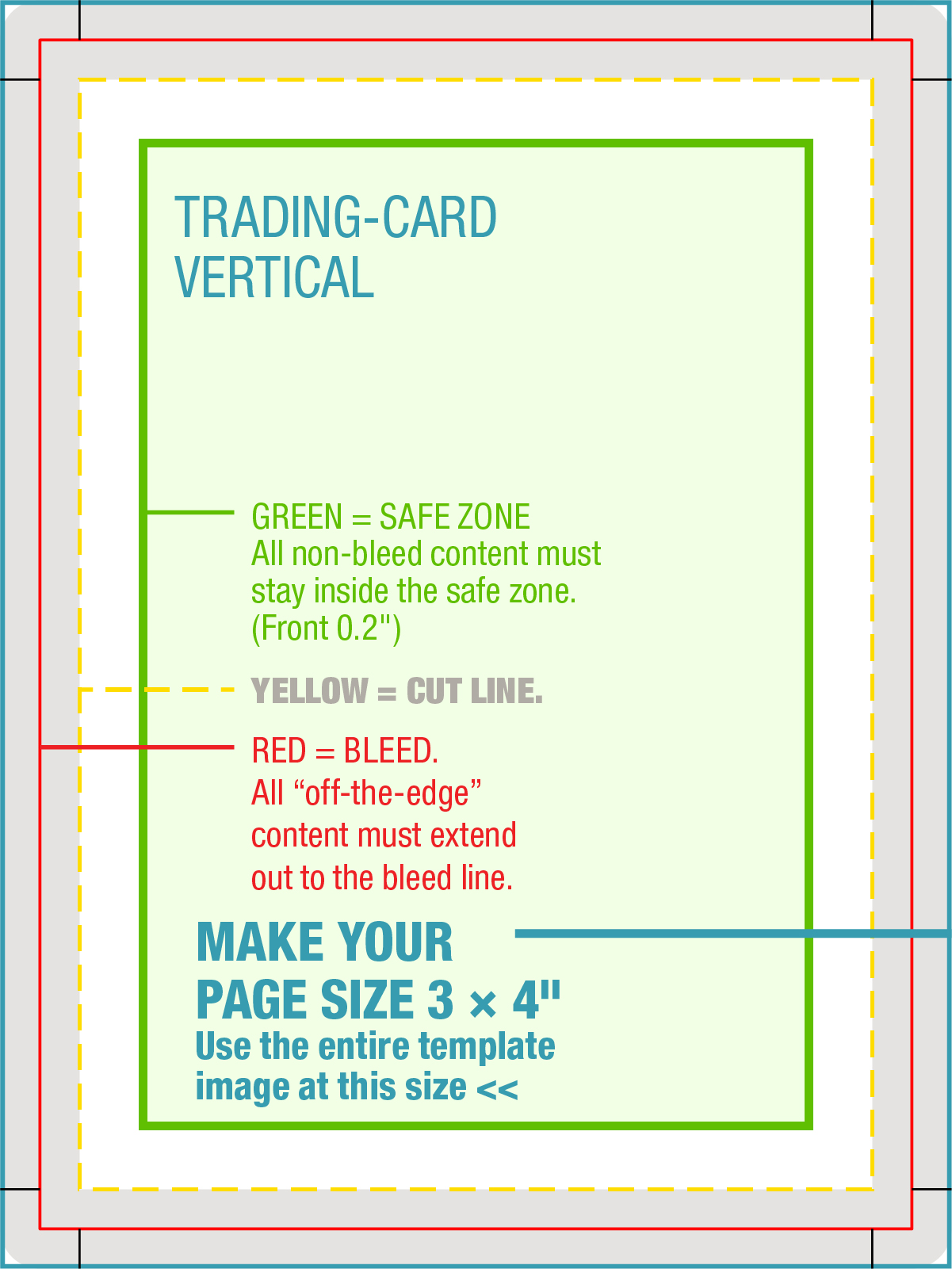
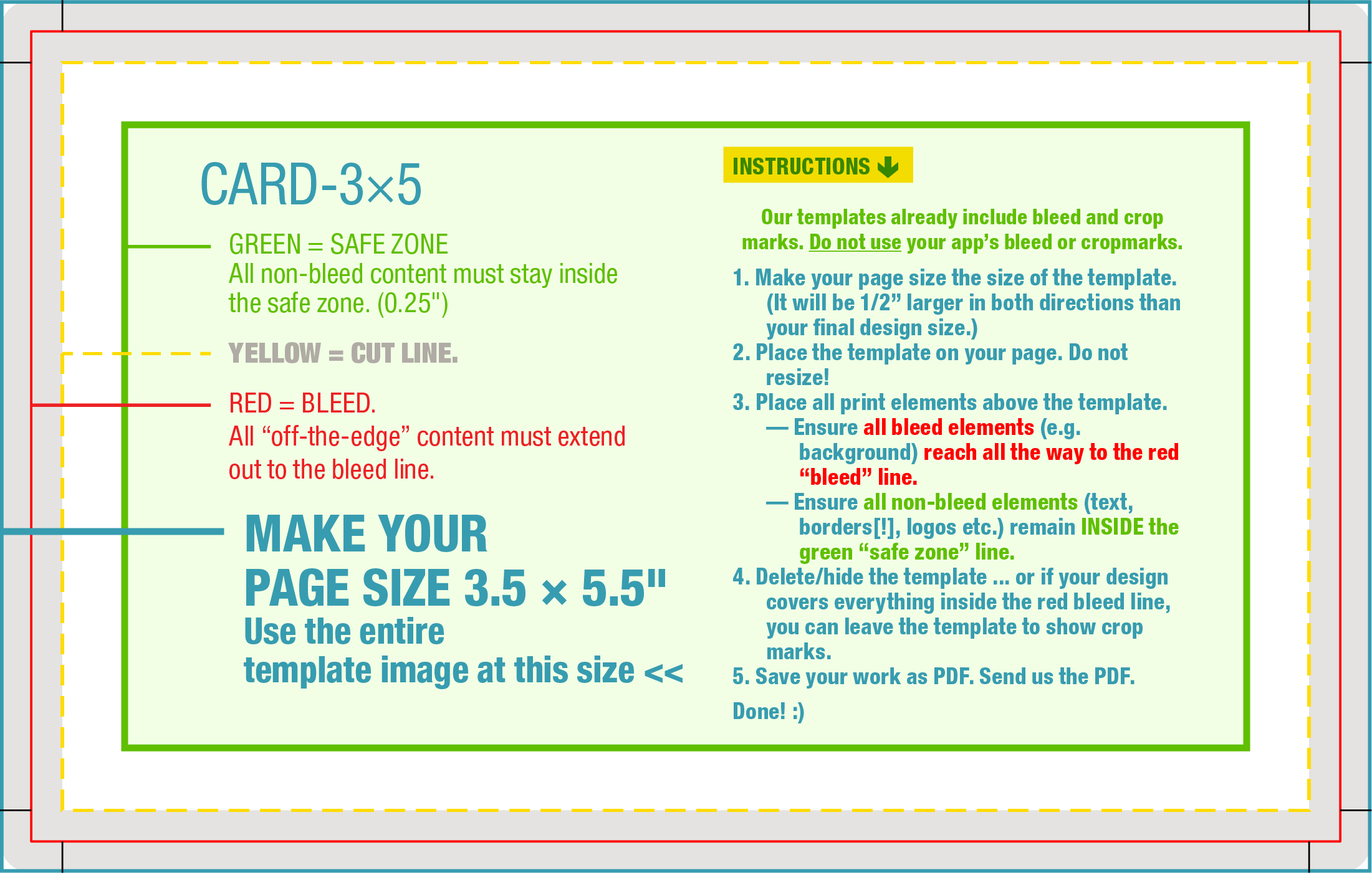
Here are some easy “drop-in” JPG templates for many common project dimensions, all with bleed and cropmarks. Just place the JPG into your software, built your project on top of it, and delete the JPG when you’re done.
1. In your design app of choice, set your document size to the size of the template. It will be 1/2″ larger in both directions than your final design size.
The templates include bleed area and crop marks. Do not use additional bleed or cropmarks functions in your design app. (Canva users: Avoid the “Background” function! or Canva will crop and/or distort the image, which is difficult to undo.)
2. Place the template on the page. Do not resize! (Canva users: If the template does not place at original size, lock the image’s proportions before you resize it, or Canva will invoke a crop function that’s difficult to reverse.)
3. Place all your content (print elements) on/above the template —
— Ensure all bleed elements (e.g. background) reach all the way to the red “bleed” line.
— Ensure all non-bleed elements (text, borders[!], logos etc.) remain inside the green “safe zone” line.
4. Delete/hide the template if you like … or you can leave in place for the crop marks. If any of the template still shows inside the red bleed line, cover/mask it with a white box behind your design elements.
5. Save your work in its original format PLUS save a copy as PDF. Please send us the PDF.
Done! 🙂
Click a column header to sort the list.
Right click a thumbnail and “Save as …” to download the template.